Mappa OSM: ottieni CDR (CorelDRAW) invece di convertire DXF → CDR
Vuoi trasformare una mappa da DXF in CDR? Se i tuoi dati provengono da OpenStreetMap, non ti serve un file DXF intermedio: osm2cdr costruisce la mappa direttamente dalla fonte OSM e ti consegna un CDR pronto, che si apre in CorelDRAW. È più veloce e più preciso della catena "scarica DXF → carica su un convertitore → ottieni CDR": scegli un'area sulla mappa, selezioni il formato CDR e scarichi il risultato con dati OSM aggiornati e layer per edifici, strade, acqua e feature.
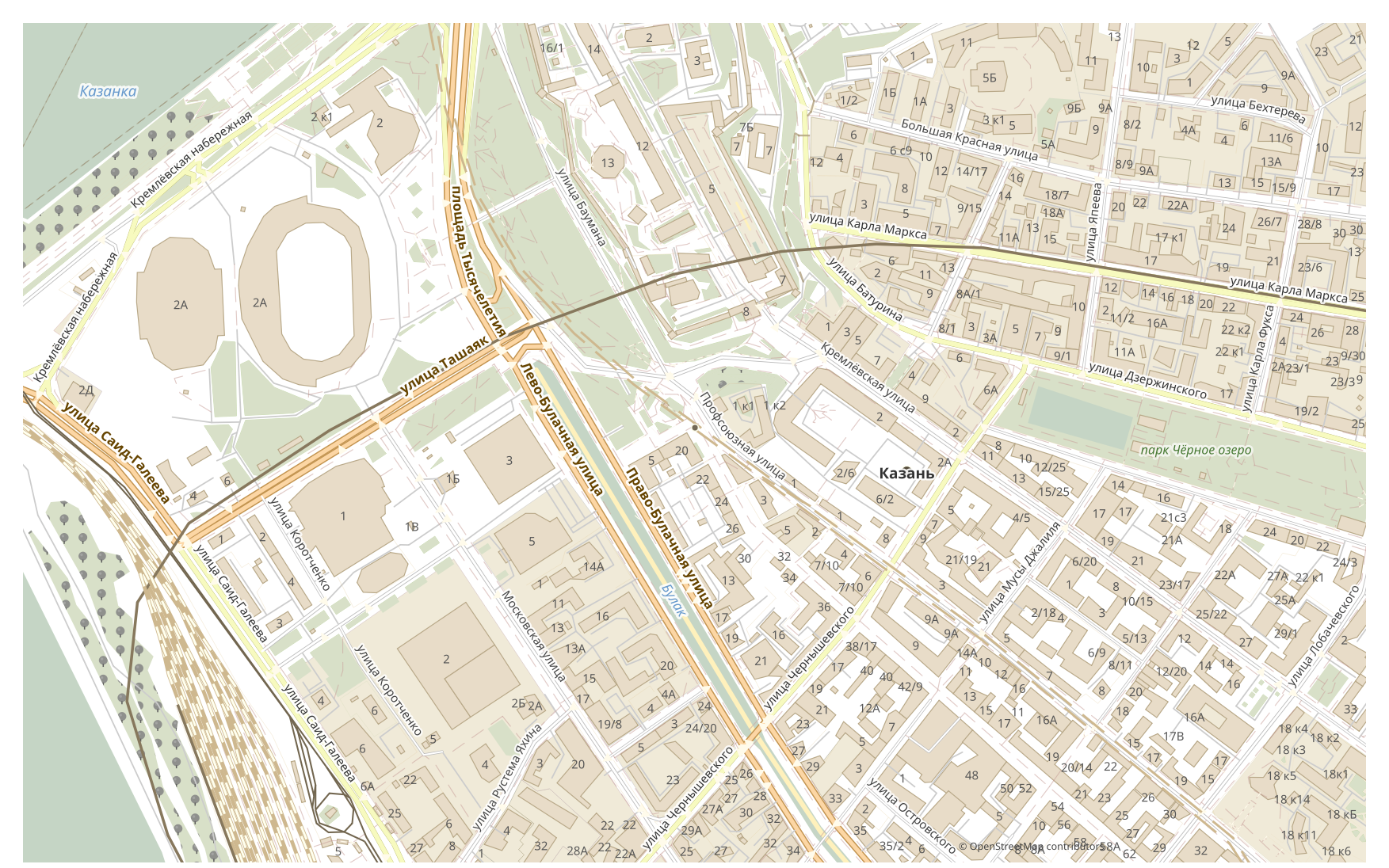
In che cosa DXF differisce da CDR
| Formato | Estensione | Tipo | Scopo |
|---|---|---|---|
| DXF | .dxf | CAD | Site plans, engineering surveys, importing maps into AutoCAD, land planning |
| CDR | .cdr | CAD | Advertising maps, print production, outdoor signage, brochure design with maps, plotter cutting |
Come ottenere CDR su osm2cdr
- 1Seleziona un'area sulla mappa nella pagina principale di osm2cdr
- 2Scegli il formato CDR e, se necessario, uno stile e un CRS
- 3Fai clic su Esporta e scarica il file CDR pronto
Proprietà del formato CDR
| Estensione | .cdr |
| Tipo | CAD |
| Scopo | Advertising maps, print production, outdoor signage, brochure design with maps, plotter cutting |
Quando ti serve CDR
Il formato CDR è comodo quando devi aprire il risultato in un programma dedicato e continuare a lavorare con la mappa: modificarla, stamparla, analizzarla o integrarla in un progetto. osm2cdr fornisce CDR suddiviso in layer con dati OpenStreetMap aggiornati, così il file è pronto all'uso subito dopo il download.
Cosa cambia passando da DXF a CDR
Passando da DXF a CDR, il disegno passa alla grafica vettoriale di design — curve e layer per la stampa e l'impaginazione. La precisione della geometria viene mantenuta, ma si tratta di un'impaginazione, non di un documento CAD. osm2cdr costruisce CDR direttamente dai dati di OpenStreetMap, senza alcun file DXF intermedio.
Se hai un tuo file DXF (non da OSM)
osm2cdr non accetta né converte file DXF di terze parti: il servizio funziona solo con i dati di OpenStreetMap. Se hai già un tuo file DXF che non proviene da OSM, convertilo in CDR con strumenti di terze parti: GDAL/ogr2ogr da riga di comando o QGIS — apri il DXF e salva il layer come CDR. È gratuito e funziona in locale, senza caricamento sul cloud.
FAQ: DXF → CDR
Posso caricare il mio file DXF?
Non ancora: al momento non supportiamo il caricamento di file DXF, quindi converti il tuo file in CDR con ogr2ogr o QGIS. E se i tuoi dati provengono da OpenStreetMap, non ti serve affatto un file — osm2cdr esporta la mappa direttamente in CDR.
È gratuito?
Sì, esportare una mappa di OpenStreetMap in CDR su osm2cdr è gratuito. Seleziona un'area, il formato CDR e scarica il risultato.
Quali programmi aprono CDR?
Il formato CDR si apre in programmi dedicati alla sua categoria. Consulta la pagina del formato CDR per l'elenco completo e i dettagli.
Perché è meglio di un convertitore online DXF → CDR?
Un convertitore online limita la qualità del risultato alla qualità del file DXF di partenza. osm2cdr prende i dati dalla fonte OpenStreetMap e costruisce CDR con i layer corretti direttamente — senza perdite su un file DXF intermedio.