OSMの地図:Shapefile → CDRを変換する代わりにCDR (CorelDRAW)を入手
地図をShapefileからCDRに変換したいですか?データがOpenStreetMap由来であれば、中間のShapefileファイルは不要です。osm2cdrはOSMのソースから地図を直接生成し、すぐ使えるCDR(CorelDRAWで開けます)をお渡しします。これは「Shapefileをダウンロード → コンバーターにアップロード → CDRを取得」という一連の流れよりも速く、より正確です。地図上で範囲を選び、CDR形式を選択して、最新のOSMデータと建物・道路・水域・フィーチャのレイヤーを備えた結果をダウンロードするだけです。
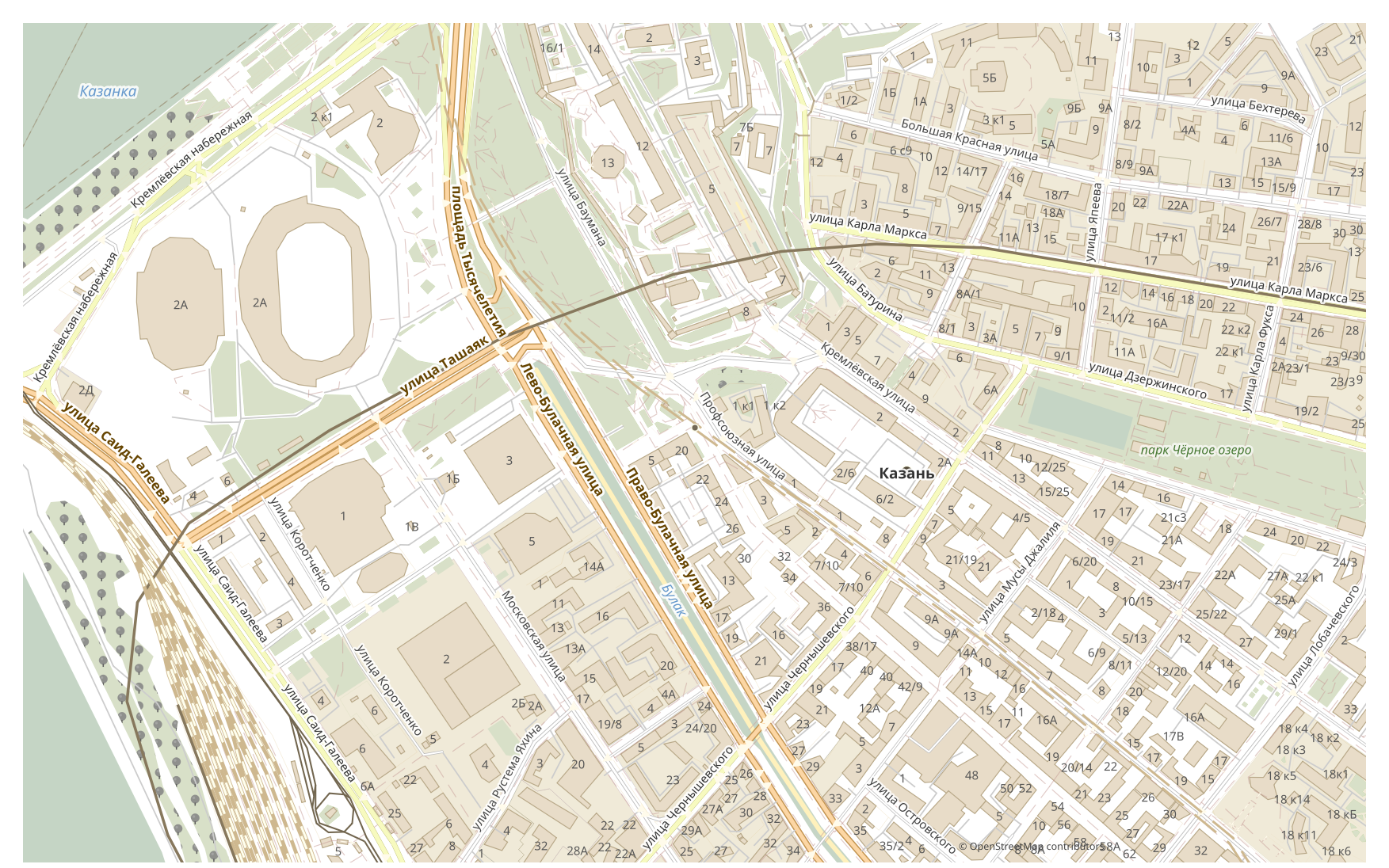
ShapefileとCDRの違い
| 形式 | 拡張子 | 種別 | 用途 |
|---|---|---|---|
| Shapefile | .shp | GIS | ArcGIS, QGIS, spatial analysis, cartography |
| CDR | .cdr | CAD | Advertising maps, print production, outdoor signage, brochure design with maps, plotter cutting |
osm2cdrでCDRを入手する方法
- 1osm2cdrのホームページで地図上の範囲を選択します
- 2CDR形式を選び、必要に応じてスタイルとCRSを選択します
- 3「エクスポート」をクリックして、できあがったCDRファイルをダウンロードします
CDR形式のプロパティ
| 拡張子 | .cdr |
| 種別 | CAD |
| 用途 | Advertising maps, print production, outdoor signage, brochure design with maps, plotter cutting |
CDRが必要なとき
CDR形式は、結果を専用プログラムで開いて地図の作業を続けたいときに便利です。編集、印刷、分析、プロジェクトへの組み込みなどです。osm2cdrは最新のOpenStreetMapデータでレイヤーに分割されたCDRを提供するので、ダウンロード後すぐにファイルを使えます。
Shapefile → CDRに変換すると何が変わるか
Shapefile → CDRの変換では、データがスタイル付きのベクターグラフィックスになります。属性やテーブルは失われますが、オブジェクトは編集可能な曲線とレイヤーとして残り、印刷やデザインに適しています。osm2cdrはOpenStreetMapの地理データからCDRを直接生成します。中間のShapefileファイルは不要です。
自分のShapefileファイル(OSM由来でないもの)をお持ちの場合
We do not convert third-party Shapefile files into CDR: this output is closed for uploads. The Shapefile file itself is accepted, though — Shapefile → DXF, KML or GeoJSON are available through the upload form on those pair pages. For CDR the third-party route remains: GDAL/ogr2ogr or QGIS — open the Shapefile and save the layer as CDR.
よくある質問:Shapefile → CDR
自分のShapefileファイルをアップロードできますか?
まだ対応していません。現時点ではShapefileファイルのアップロードに対応していないため、ogr2ogrまたはQGISでファイルをCDRに変換してください。なお、データがOpenStreetMap由来であれば、ファイルはまったく必要ありません。osm2cdrが地図を直接CDRにエクスポートします。
無料ですか?
はい、osm2cdrでOpenStreetMapの地図をCDRにエクスポートするのは無料です。範囲とCDR形式を選んで、結果をダウンロードしてください。
CDRはどのプログラムで開けますか?
CDR形式は、そのカテゴリ向けの専用プログラムで開けます。一覧と詳細はCDR形式のページをご覧ください。
オンラインのShapefile → CDRコンバーターより優れているのはなぜですか?
オンラインコンバーターでは、結果の品質が元のShapefileファイルの品質に制限されます。osm2cdrはOpenStreetMapのソースからデータを取り込み、正しいレイヤーを備えたCDRを直接生成します。中間のShapefileファイルによる損失はありません。