Μετατροπέας Shapefile σε PDF
Μεταφορτώστε το αρχείο σας Shapefile και αποκτήστε PDF μέσα σε λίγα λεπτά: το osm2cdr διαβάζει τη γεωμετρία του αρχείου σας και σας παραδίδει ένα έτοιμο PDF αμέσως. Η επεξεργασία εκτελείται στους διακομιστές μας, το αποτέλεσμα είναι έτοιμο για λήψη μόλις ολοκληρωθεί, και υποστηρίζονται αρχεία έως 50 MB. Και αν δεν έχετε δικό σας αρχείο ή χρειάζεστε έναν φρέσκο χάρτη μιας περιοχής, το osm2cdr δημιουργεί PDF απευθείας από τον χάρτη OpenStreetMap: απλώς επιλέγετε μια περιοχή στον χάρτη, επιλέγετε τη μορφή PDF και κατεβάζετε το αποτέλεσμα με ενημερωμένα δεδομένα OSM — με επίπεδα για κτίρια, δρόμους, νερό και οντότητες.
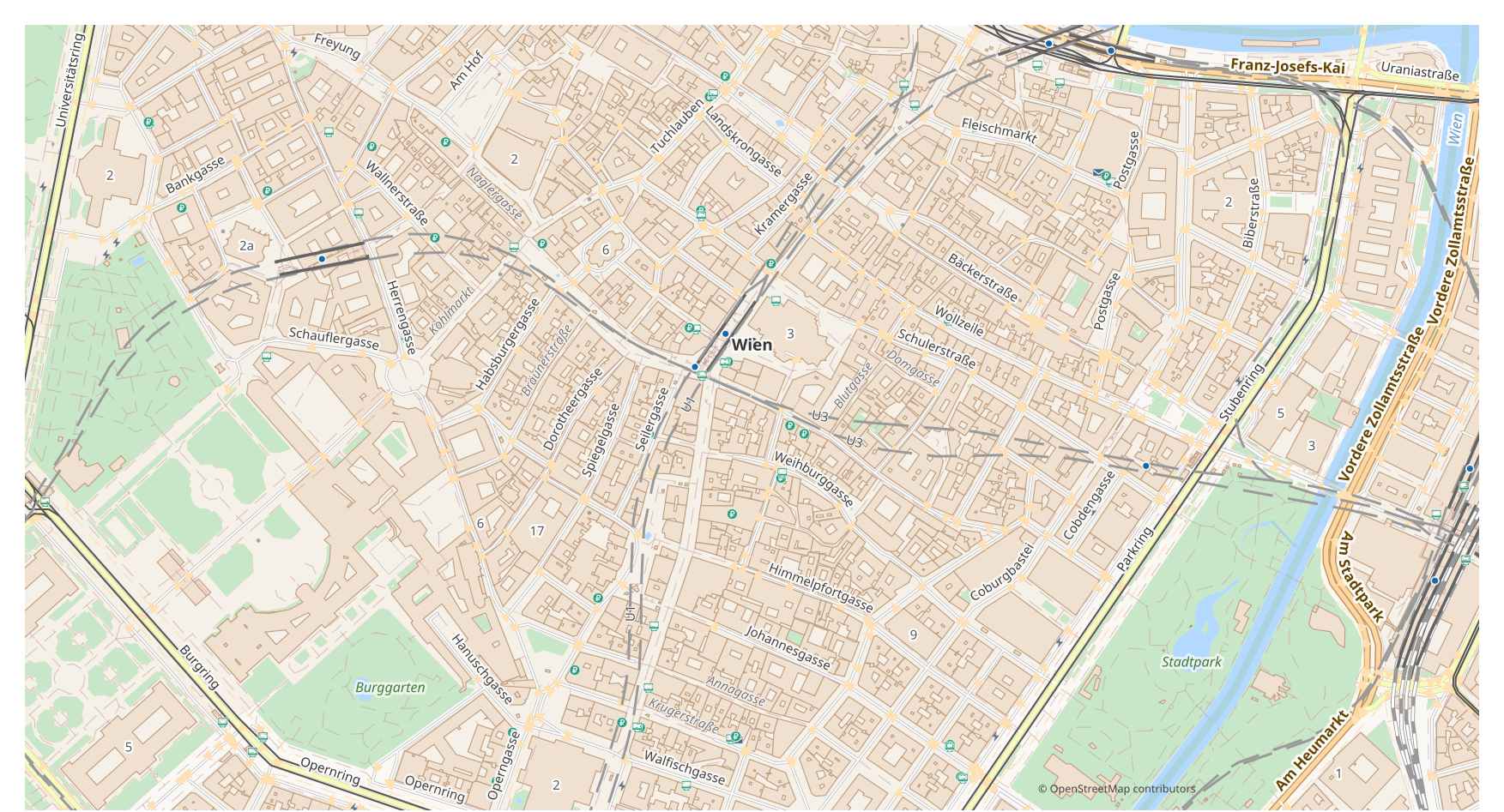
Πώς διαφέρει το Shapefile από το PDF
| Μορφή | Επέκταση | Τύπος | Σκοπός |
|---|---|---|---|
| Shapefile | .shp | GIS | ArcGIS, QGIS, spatial analysis, cartography |
| Vector | Map printing, email sharing, presentations, commercial printing, archiving |
Πώς να αποκτήσετε PDF στο osm2cdr
- 1Επιλέξτε μια περιοχή στον χάρτη στην αρχική σελίδα του osm2cdr
- 2Επιλέξτε τη μορφή PDF και, αν χρειάζεται, ένα στιλ και CRS
- 3Κάντε κλικ στην Εξαγωγή και κατεβάστε το έτοιμο αρχείο PDF
Ιδιότητες μορφής PDF
| Επέκταση | |
| Τύπος | Vector |
| Σκοπός | Map printing, email sharing, presentations, commercial printing, archiving |
Όταν χρειάζεστε PDF
Το κύριο σενάριο είναι απλό: έχετε ήδη ένα αρχείο Shapefile — μεταφορτώστε το και το osm2cdr επιστρέφει PDF, έτοιμο για χρήση σε ένα εξειδικευμένο πρόγραμμα (επεξεργασία, εκτύπωση, ανάλυση, ενσωμάτωση σε έργο). Η εναλλακτική είναι για όταν δεν έχετε αρχείο διαθέσιμο ή χρειάζεστε έναν φρέσκο χάρτη μιας περιοχής: το ίδιο PDF δημιουργείται τότε απευθείας από ενημερωμένα δεδομένα OpenStreetMap για την περιοχή που επιλέξατε, χωρισμένο σε επίπεδα για κτίρια, δρόμους, νερό και οντότητες.
Τι αλλάζει κατά τη μετάβαση Shapefile → PDF
Αφήστε ένα αρχείο Shapefile και το osm2cdr διαβάζει τη γεωμετρία του και επιστρέφει PDF· και χωρίς δικό σας αρχείο, το ίδιο PDF δημιουργείται απευθείας από τον χάρτη OpenStreetMap για την περιοχή που επιλέξατε. Είτε έτσι είτε αλλιώς, το μοντέλο δεδομένων αλλάζει.Κατά τη μετάβαση Shapefile → PDF, τα δεδομένα γίνονται στιλιζαρισμένα διανυσματικά γραφικά: τα χαρακτηριστικά και οι πίνακες χάνονται, αλλά τα αντικείμενα παραμένουν επεξεργάσιμες καμπύλες και επίπεδα κατάλληλα για εκτύπωση και σχεδίαση. Το osm2cdr δημιουργεί PDF απευθείας από τα γεωδεδομένα του OpenStreetMap, χωρίς ενδιάμεσο αρχείο Shapefile.
Μεταφορτώστε το δικό σας αρχείο Shapefile → PDF
Δεν χρειάζεται πλέον να ψάχνετε για μετατροπέα τρίτων: αφήστε το αρχείο σας Shapefile στην παραπάνω φόρμα και το osm2cdr θα διαβάσει τη γεωμετρία και θα σας παραδώσει ένα έτοιμο PDF. Υποστηρίζονται αρχεία έως 50 MB· η επεξεργασία εκτελείται στους διακομιστές μας και το αποτέλεσμα είναι έτοιμο για λήψη μόλις ολοκληρωθεί.
Συχνές ερωτήσεις: Shapefile → PDF
Μπορώ να μεταφορτώσω το αρχείο μου Shapefile;
Ναι, τώρα μπορείτε: μεταφορτώστε το αρχείο σας Shapefile σε αυτήν τη σελίδα και το osm2cdr θα διαβάσει τη γεωμετρία και θα τη μετατρέψει σε PDF. Υποστηρίζονται αρχεία έως 50 MB. Αν τα δεδομένα προέρχονται από το OpenStreetMap, μπορείτε να παραλείψετε εντελώς τη μεταφόρτωση — θα εξάγουμε τον χάρτη απευθείας σε PDF.
Είναι δωρεάν;
Ναι, η εξαγωγή ενός χάρτη OpenStreetMap σε PDF στο osm2cdr είναι δωρεάν. Επιλέξτε μια περιοχή, τη μορφή PDF και κατεβάστε το αποτέλεσμα.
Ποια προγράμματα ανοίγουν το PDF;
Η μορφή PDF ανοίγει σε εξειδικευμένα προγράμματα της κατηγορίας της. Δείτε τη σελίδα μορφής PDF για την πλήρη λίστα και λεπτομέρειες.
Γιατί αυτό είναι καλύτερο από έναν διαδικτυακό μετατροπέα Shapefile → PDF;
Ένας διαδικτυακός μετατροπέας περιορίζει την ποιότητα του αποτελέσματος στην ποιότητα του αρχικού αρχείου Shapefile. Το osm2cdr παίρνει δεδομένα από την πηγή OpenStreetMap και δημιουργεί PDF με σωστά επίπεδα απευθείας — χωρίς απώλειες σε ενδιάμεσο αρχείο Shapefile.