OSM map: get CDR (CorelDRAW) instead of converting CSV → CDR
Looking to turn a map from CSV into CDR? If your data comes from OpenStreetMap, you do not need an intermediate CSV file: osm2cdr builds the map straight from the OSM source and hands you a ready CDR, which opens in CorelDRAW. That is faster and more accurate than the chain "download CSV → upload to a converter → get CDR": you pick an area on the map, choose the CDR format and download the result with up-to-date OSM data and layers for buildings, roads, water and features.
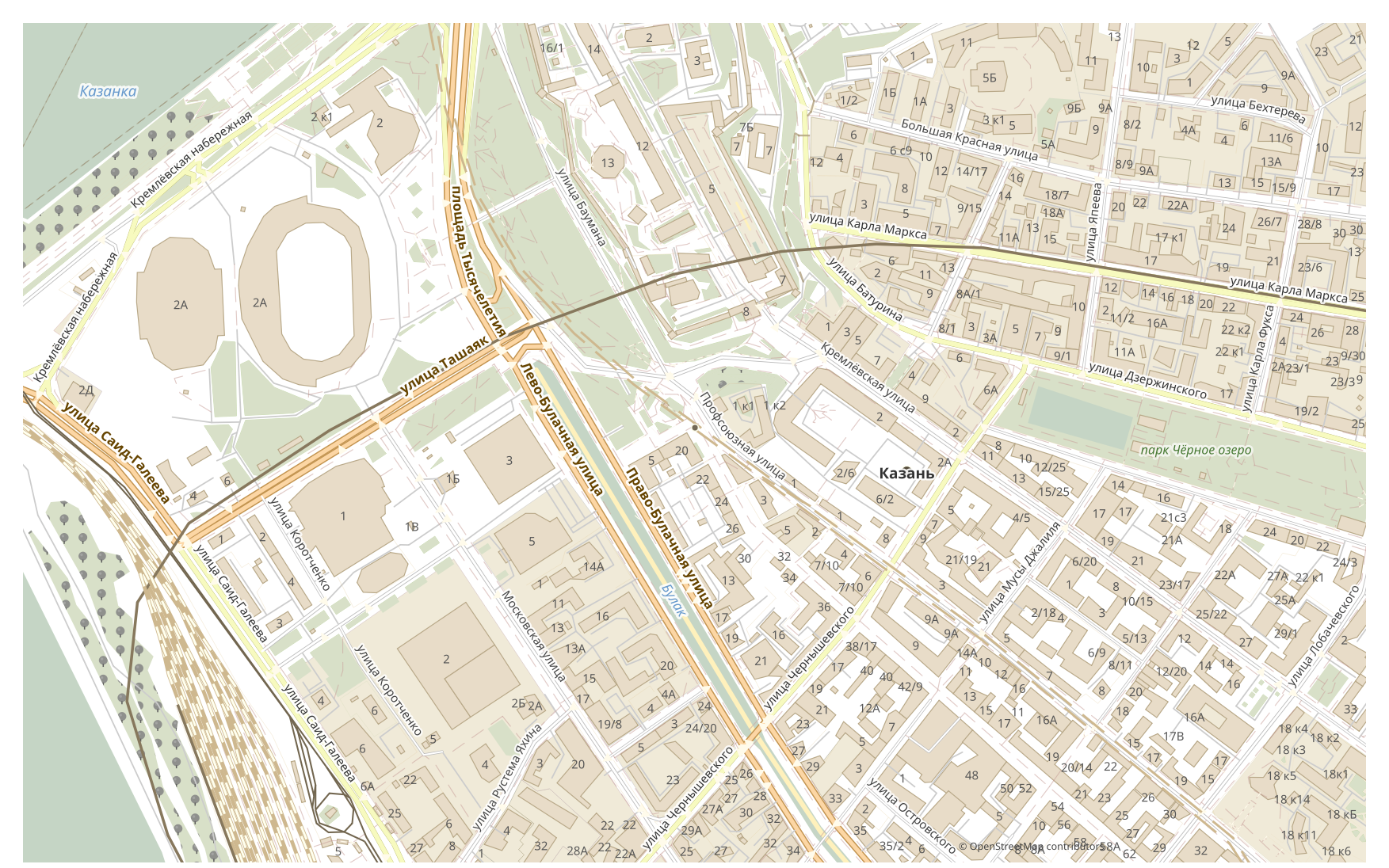
How CSV differs from CDR
| Format | Extension | Type | Purpose |
|---|---|---|---|
| CSV | .csv | GIS | Excel analysis, database import, Python/R data processing, visualization |
| CDR | .cdr | CAD | Advertising maps, print production, outdoor signage, brochure design with maps, plotter cutting |
How to get CDR on osm2cdr
- 1Select an area on the map on the osm2cdr home page
- 2Choose the CDR format and, if needed, a style and CRS
- 3Click Export and download the ready CDR file
CDR format properties
| Extension | .cdr |
| Type | CAD |
| Purpose | Advertising maps, print production, outdoor signage, brochure design with maps, plotter cutting |
When you need CDR
The CDR format is handy when you need to open the result in a dedicated program and keep working with the map: editing, printing, analysing or embedding it in a project. osm2cdr delivers CDR split into layers with up-to-date OpenStreetMap data, so the file is ready to use right after download.
What changes when going CSV → CDR
Going CSV → CDR, the data becomes styled vector graphics: attributes and tables are lost, but objects stay editable curves and layers fit for print and design. osm2cdr builds CDR straight from OpenStreetMap geodata, with no intermediate CSV file.
If you have your own CSV file (not from OSM)
osm2cdr does not accept or convert third-party CSV files: the service works only with OpenStreetMap data. If you already have your own CSV file that is not from OSM, convert it to CDR with third-party tools: GDAL/ogr2ogr from the command line or QGIS — open the CSV and save the layer as CDR. It is free and runs locally, with no cloud upload.
FAQ: CSV → CDR
Can I upload my CSV file?
Not yet: we don't support uploading CSV files at the moment, so convert your file to CDR with ogr2ogr or QGIS. And if your data comes from OpenStreetMap, you don't need a file at all — osm2cdr exports the map straight into CDR.
Is it free?
Yes, exporting an OpenStreetMap map to CDR on osm2cdr is free. Select an area, the CDR format and download the result.
Which programs open CDR?
The CDR format opens in dedicated programs for its category. See the CDR format page for the full list and details.
Why is this better than an online CSV → CDR converter?
An online converter caps the result quality at the quality of the source CSV file. osm2cdr takes data from the OpenStreetMap source and builds CDR with correct layers directly — with no loss on an intermediate CSV file.