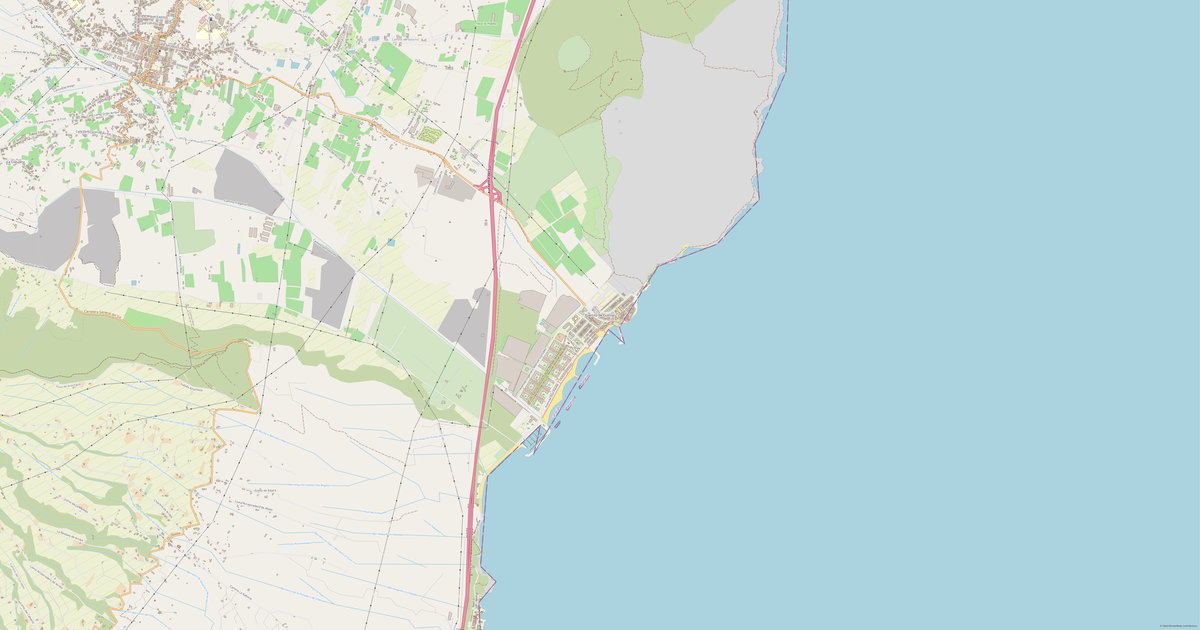
Download Tejina map in Excel format
A map built from OpenStreetMap data, ready to download
Customize the map
Open this place's area in the constructor and adjust everything to your needs
Open in constructor →Map passport
What this map contains by default
This is how the map is built as-is — every setting can be changed in the constructor.
.xlsxAbout Excel
Map of Tejina in Excel: 1 111 buildings, 148 km of roads, 236 points of interest, 100% green areas — in the WGS 84 coordinate system, units are meters.
Which layers are in the file
This file for the selected area contains:
- Roads
- Buildings
- Water
- Greenery
- Points of interest
Geometry by layer
- Roads — table rows with WKT geometry (LineString)
- Buildings — table rows with WKT geometry (Polygon)
- Water — table rows with WKT geometry (Polygon)
- Greenery — table rows with WKT geometry (Polygon)
- Points of interest — table rows with coordinates and tags
What the file carries
The Excel file for Tejina: the whole map comes as a single file, the file is binary — it is opened by a program, not by an editor, layers live inside the file as named entities, OpenStreetMap tags are kept as feature attributes.
File size
The expected size of the Excel file for Tejina is about 558 KB; the exact size depends on the chosen layers and area.
Coordinate systems
WGS 84 (EPSG:4326), selectable in the wizard
Units
Meters (projected in the chosen coordinate system)
| Category | GIS |
| File extension | .xlsx |
| Tier | Open Beta |
How many times Excel was built in the last 90 days
- Tejina
- 0
- Santa Cruz de Tenerife
- 0
- Whole site
- 21
- Median file size
- 0.2 MB
- Median build time
- 1.8 s
Medians are based on all builds on the site
How to use Excel for Tejina
- Microsoft Excel, LibreOffice Calc, Google Sheets — open with a double click; the sheets correspond to map layers, and filters and pivot tables work as with any ordinary data.
- QGIS (free) — Layer → Add Vector Layer, choose the .xlsx and the sheet you need; or "Add Delimited Text Layer" if points from the lon and lat columns are enough.
- Python — pandas.read_excel("map.xlsx", sheet_name=None) reads all the sheets at once, and shapely.wkt.loads restores the geometry from the geometry_wkt column.
Programs that open Excel
FAQ: Excel for Tejina
Can I open it in Google Sheets?
Yes, the .xlsx file opens in Google Sheets, LibreOffice, and any spreadsheet editor.
Does it include coordinates?
Yes, each object has lon, lat (centroid) and geometry_wkt (full geometry) columns.
How is the workbook organized?
One sheet per map layer, and the sheet name matches the layer name. Rows are features; the columns are layer, name, type, lon, lat, geometry_wkt and all the OpenStreetMap attributes.
Can the full geometry be restored from the table?
Yes. The geometry_wkt column stores the geometry as text in WKT format: PostGIS restores it with ST_GeomFromText, Python with shapely.wkt.loads, and QGIS picks it up when the table is imported.
Which coordinate system are the lon and lat columns in?
WGS84 — plain longitude and latitude in degrees. For lines and polygons these are centroid coordinates; the full shape sits next to them in geometry_wkt.