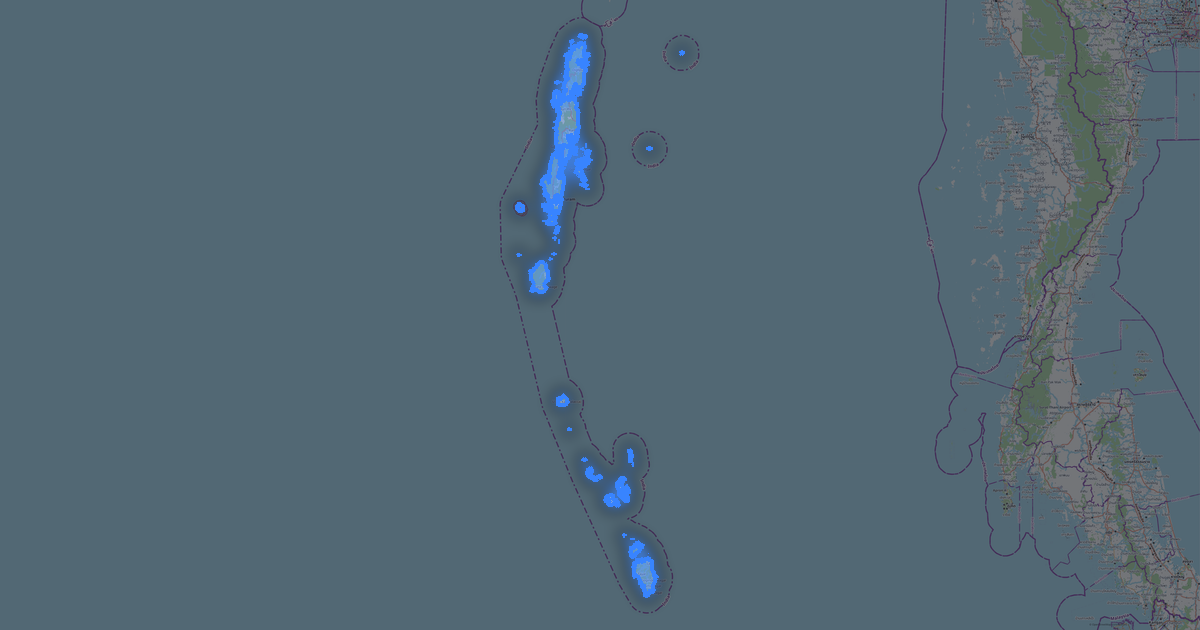
Karte von Assam im OBJ-Format
Karte aus OpenStreetMap-Daten, bereit zum Herunterladen
Karte anpassen
Bereich dieses Ortes im Konstruktor offnen und alles anpassen
Im Konstruktor offnen →Karten-Steckbrief
Was diese Karte standardmäßig enthält
So wird die Karte „wie sie ist“ zusammengestellt — jeder Parameter lässt sich im Konstruktor ändern.
.obj
Über OBJ
Karte von Assam im Format OBJ — ein Export echter OpenStreetMap-Daten für den gewählten Bereich.
Wavefront OBJ is a universal 3D model format with material support. Buildings are exported with texture coordinates and groups by type.
Welche Ebenen die Datei enthält
Der Ebenenbestand hängt vom gewählten Bereich ab.
Was diese Datei nicht enthält
In OBJ für Assam kommt Folgendes nicht mit: 78 594 km Straßen, 9 Wasserobjekte, 57 149 km² Grünflächen, 5 003 Points of Interest — das Format druckt massive Körper, die aus den Gebäudeumrissen extrudiert werden, und andere Ebenen gehören nicht zum Modell.
Dateigröße
Die erwartete Größe der OBJ-Datei für Assam beträgt etwa 92 KB; die genaue Größe hängt von den gewählten Ebenen und vom Bereich ab.
Koordinatensysteme
WGS 84 (EPSG:4326), im Assistenten wahlbar
Kompatibilität
Maßeinheiten
Meter (projiziert im gewählten Koordinatensystem)
| Kategorie | 3D |
| Dateierweiterung | .obj |
| Tarif | Open Beta |
What's in Assam
837,844 buildings (13,406 residential, 225 commercial, 1,137 industrial, 70 religious), 78,593.6 km of roads, 5,003 points of interest, 15 landmarks.
The area covers 78,512 km², with about 11 buildings per km².
Mostly residential streets 30,634.6 km, unclassified roads 22,139.4 km, tertiary roads 11,417.1 km.
21.2% of the area is green space.
The map marks 5 parks and 9 water bodies.
Key amenities: schools — 205, hospitals — 345, clinics — 614.
Public transport: 153 bus stops, 87 tram stops, 332 rail stations.
Main streets: SH16, Gerukabari Bijni Amteka Lalai (Lalai in Bhutan) Road (Moutara - Amteka) Road, Dhodar Ali, KB Road, Road Ulubari Boro bazar Rangijhora Kalamati
Landmarks: Auniati Satra Museum, Tai Museum, Jorhat Museum, Guwahati Planetarium, Assam State Museum
So verwenden Sie OBJ für Assam
- Wählen Sie den Kartenbereich von Assam auf der Hauptseite aus
- Wählen Sie das Format OBJ und konfigurieren Sie die Exporteinstellungen
- Klicken Sie auf „Exportieren“ und warten Sie auf den Abschluss
- Laden Sie die fertige Datei herunter und verwenden Sie sie im gewünschten Programm