
USDZ — Apple AR Quick Look (based on Pixar USD)
Preço antes do pagamentoUSDZ is a container format for AR assets from Apple and Pixar (WWDC 2018): an uncompressed ZIP packaging a USD scene together with textures into a single file that an iPhone opens straight from Safari via a rel="ar" link and places a 3D model on the user's table. Our exporter takes the bbox of an OSM area, extrudes buildings to volume by height (from height tags or building:levels × story, otherwise by heuristic) and assembles a USDZ package with PBR materials. Honest about limits: these are static mesh-only models with no animation, color is a solid fill per building type with no photorealistic facade textures, and buildings are hollow shells without interiors. USD generation requires pxr or trimesh under the hood; the practical export ceiling is about 5 km² to stay under the AR Quick Look limit.
Dados do OpenStreetMap de 5 de outubro de 2026 · há 23 dias
Principais características
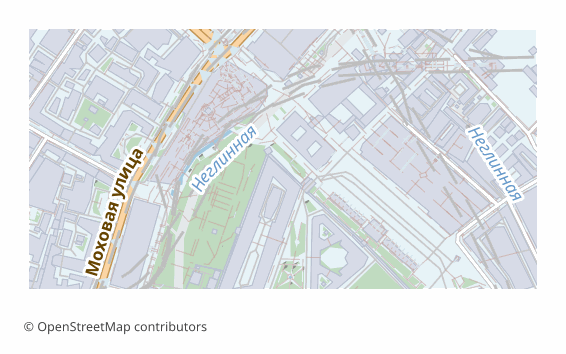
Todos os exemplos de mapas por formato
Que programa abre ficheiros USDZ
Os seguintes programas e aplicações podem abrir, editar e trabalhar com ficheiros USDZ — Apple AR Quick Look (based on Pixar USD) (.usdz) exportados do OSM2CDR:
Características do formato
- Padrão aberto
- Suporta coordenadas 3D
- Sem perda de qualidade
- Sem atributos
- Resultado: 1 arquivo
Quem utiliza mapas USDZ
Como exportar para USDZ
Mapas populares em USDZ
Obtenha exportações de mapas em USDZ — Apple AR Quick Look (based on Pixar USD)
Descarregue mapas profissionais em USDZ a partir do OpenStreetMap. Geração instantânea, qualquer área.