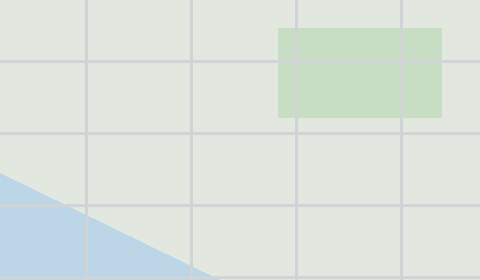
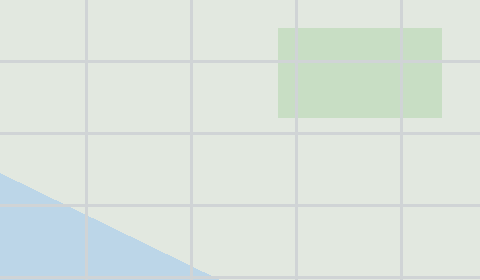
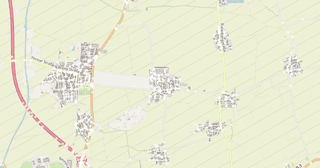
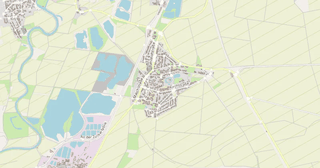
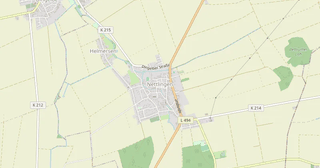
Map of Heinde in Tiled TMX format
A map built from OpenStreetMap data, ready to download
Customize the map
Open this place's area in the constructor and adjust everything to your needs
Open in constructor →Map passport
What this map contains by default
This is how the map is built as-is — every setting can be changed in the constructor.
.tmx
About Tiled TMX
Map of Heinde in Tiled TMX — an export of real OpenStreetMap data for the selected area.
Export OpenStreetMap map data as Tiled TMX for game development. Real-world city maps become tile maps for 2D games, RPGs, strategy games, and simulators.
Which layers are in the file
This file for the selected area contains:
- Roads
- Buildings
- Water
- Greenery
- Points of interest
Coordinate systems
WGS 84 (EPSG:4326), selectable in the wizard
Units
Meters (projected in the chosen coordinate system)
| Category | GIS |
| File extension | .tmx |
| Tier | Open Beta |
How to use Tiled TMX for Heinde
- Tiled Map Editor — File → Open; layers, grid and objects are visible right away.
- Godot — import TMX through a plugin or convert it into a TileMap; the object layer is convenient to turn into markers, spawn points and triggers.
- Unity — the SuperTiled2Unity package reads .tmx directly: put the file and your tileset into Assets and the map prefab builds itself.
Programs that open Tiled TMX
FAQ: Tiled TMX for Heinde
Which game engines support TMX?
Tiled Map Editor, Godot, Unity (via SuperTiled2Unity), GameMaker, RPG Maker, Cocos2d, and many more.
Can I use custom tilesets?
Yes, TMX is an open XML format. You can replace the tileset with your own in Tiled Map Editor.
What map size is supported?
Maps up to 512x512 tiles. For larger areas, we recommend splitting into multiple TMX files.
Why does the map open without graphics?
The tileset is described by colors rather than by an image: the export gives the structure of a level, not finished art. Attach your own set of sprites in Tiled — identifiers 1 to 6 correspond to land, water, buildings, roads, greenery and railway.
Which layers come in the file?
Three tile layers — ground, structures and vegetation — and the poi object layer with named objects. Each one is switched on and off in the editor independently.