Mapa OSM: uzyskaj PDF zamiast konwertować GeoTIFF → PDF
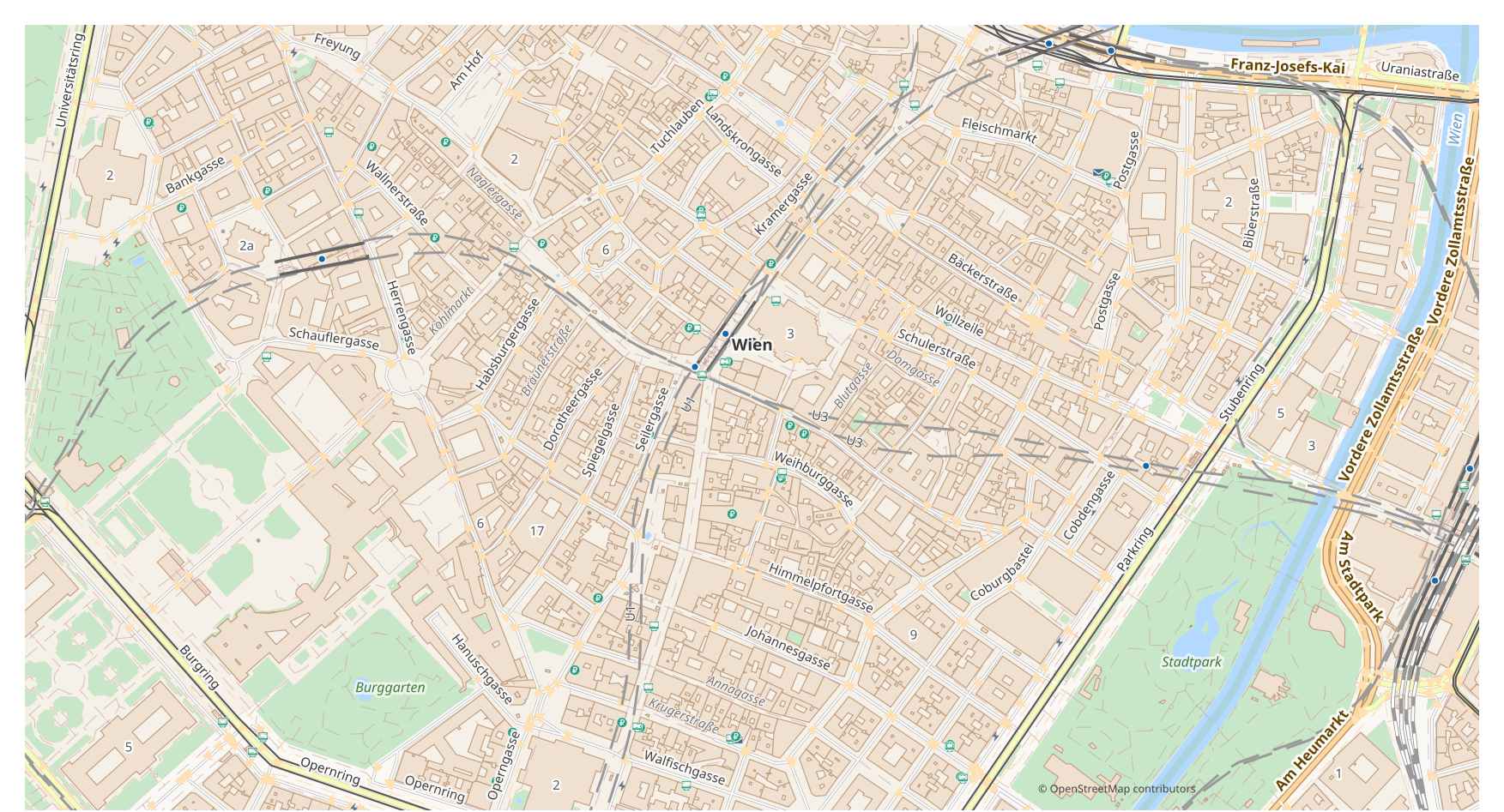
Chcesz zamienić mapę z GeoTIFF na PDF? Jeśli Twoje dane pochodzą z OpenStreetMap, pośredni plik GeoTIFF nie jest potrzebny: osm2cdr buduje mapę prosto ze źródła OSM i wręcza Ci gotowy PDF. To szybciej i dokładniej niż łańcuch "pobierz GeoTIFF → wgraj do konwertera → uzyskaj PDF": wybierasz obszar na mapie, format PDF i pobierasz wynik z aktualnymi danymi OSM oraz warstwami budynków, dróg, wody i obiektów.
Czym GeoTIFF różni się od PDF
| Format | Rozszerzenie | Typ | Przeznaczenie |
|---|---|---|---|
| GeoTIFF | .tif | Raster | GIS analysis, remote sensing, CAD base maps, orthophotos |
| Vector | Map printing, email sharing, presentations, commercial printing, archiving |
Jak uzyskać PDF w osm2cdr
- 1Wybierz obszar na mapie na stronie głównej osm2cdr
- 2Wybierz format PDF oraz, w razie potrzeby, styl i układ współrzędnych
- 3Kliknij Eksportuj i pobierz gotowy plik PDF
Właściwości formatu PDF
| Rozszerzenie | |
| Typ | Vector |
| Przeznaczenie | Map printing, email sharing, presentations, commercial printing, archiving |
Kiedy potrzebujesz PDF
Format PDF przydaje się, gdy musisz otworzyć wynik w dedykowanym programie i dalej pracować z mapą: edytować, drukować, analizować lub osadzać ją w projekcie. osm2cdr dostarcza PDF podzielony na warstwy z aktualnymi danymi OpenStreetMap, więc plik jest gotowy do użycia zaraz po pobraniu.
Co się zmienia przy przejściu GeoTIFF → PDF
Raster GeoTIFF przechowuje piksele, a nie obiekty, więc zamiana go w wektorowy PDF jest możliwa tylko przez obrysowanie, które jest przybliżone i traci szczegóły. osm2cdr nie obrysowuje Twojego rastra: bierze dane wektorowe OpenStreetMap i od razu buduje PDF jako edytowalną grafikę z rzeczywistych obiektów i warstw.
Jeśli masz własny plik GeoTIFF (spoza OSM)
osm2cdr nie przyjmuje ani nie konwertuje zewnętrznych plików GeoTIFF: serwis działa wyłącznie z danymi OpenStreetMap. Jeśli masz już własny plik GeoTIFF spoza OSM, przekonwertuj go do PDF za pomocą zewnętrznych narzędzi: GDAL/ogr2ogr z wiersza poleceń lub QGIS — otwórz GeoTIFF i zapisz warstwę jako PDF. To bezpłatne i działa lokalnie, bez wysyłania do chmury.
The PDF format in depth
PDF — Complete Guide: Adobe History 1993-2025, How to Open, How to Export an OpenStreetMap Map
FAQ: GeoTIFF → PDF
Czy mogę wgrać swój plik GeoTIFF?
Jeszcze nie: na razie nie obsługujemy wgrywania plików GeoTIFF, więc przekonwertuj swój plik do PDF za pomocą ogr2ogr lub QGIS. A jeśli Twoje dane pochodzą z OpenStreetMap, plik w ogóle nie jest potrzebny — osm2cdr eksportuje mapę prosto do PDF.
Czy to jest bezpłatne?
Tak, eksport mapy OpenStreetMap do PDF w osm2cdr jest bezpłatny. Wybierz obszar, format PDF i pobierz wynik.
Jakie programy otwierają PDF?
Format PDF otwiera się w dedykowanych programach swojej kategorii. Pełną listę i szczegóły znajdziesz na stronie formatu PDF.
Dlaczego to jest lepsze niż konwerter online GeoTIFF → PDF?
Konwerter online ogranicza jakość wyniku do jakości źródłowego pliku GeoTIFF. osm2cdr bierze dane prosto ze źródła OpenStreetMap i buduje PDF z poprawnymi warstwami bezpośrednio — bez strat na pośrednim pliku GeoTIFF.