Mapa OSM: obtén Shapefile en lloc de convertir WKT → Shapefile
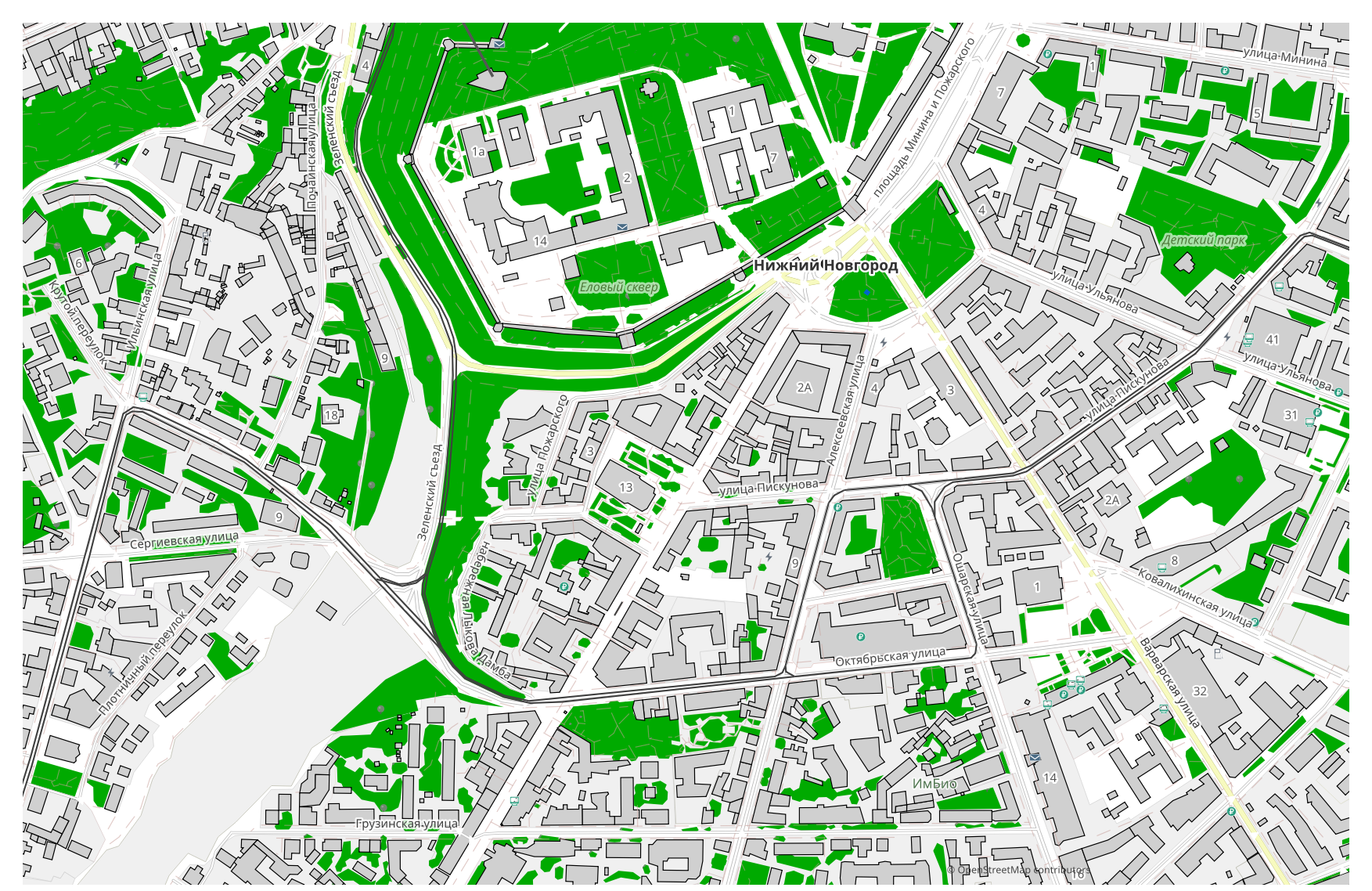
Vols transformar un mapa de WKT a Shapefile? Si les teves dades provenen d'OpenStreetMap, no necessites cap fitxer WKT intermedi: osm2cdr genera el mapa directament a partir de la font OSM i et lliura un Shapefile a punt. Això és més ràpid i precís que la cadena «descarregar WKT → pujar a un convertidor → obtenir Shapefile»: tries una àrea al mapa, escolls el format Shapefile i descarregues el resultat amb dades OSM actualitzades i capes d'edificis, carrers, aigua i entitats.
En què es diferencia WKT de Shapefile
| Format | Extensió | Tipus | Finalitat |
|---|---|---|---|
| WKT | .wkt | GIS | PostGIS SQL queries, geometry exchange, GIS programming, testing |
| Shapefile | .shp | GIS | ArcGIS, QGIS, spatial analysis, cartography |
Com obtenir Shapefile a osm2cdr
- 1Selecciona una àrea al mapa a la pàgina d'inici d'osm2cdr
- 2Tria el format Shapefile i, si cal, un estil i un SRC
- 3Fes clic a Exporta i descarrega el fitxer Shapefile a punt
Propietats del format Shapefile
| Extensió | .shp |
| Tipus | GIS |
| Finalitat | ArcGIS, QGIS, spatial analysis, cartography |
Quan necessites Shapefile
El format Shapefile és útil quan vols obrir el resultat en un programa específic i continuar treballant amb el mapa: editar-lo, imprimir-lo, analitzar-lo o incrustar-lo en un projecte. osm2cdr lliura el Shapefile separat en capes amb dades actualitzades d'OpenStreetMap, de manera que el fitxer es pot fer servir just després de descarregar-lo.
Què canvia en passar de WKT → Shapefile
Passar de WKT → Shapefile conserva tant la geometria com els atributs; només canvia el model de contenidor — un sol fitxer enfront d'un conjunt, els tipus de camp admesos i els límits del format. Aquest canvi es fa normalment per compatibilitat amb una eina concreta. osm2cdr lliura el Shapefile directament a partir de dades d'OpenStreetMap, sense cap fitxer WKT intermedi.
Si tens el teu propi fitxer WKT (que no és d'OSM)
osm2cdr no accepta ni converteix fitxers WKT de tercers: el servei treballa només amb dades d'OpenStreetMap. Si ja tens el teu propi fitxer WKT que no prové d'OSM, converteix-lo a Shapefile amb eines de tercers: GDAL/ogr2ogr des de la línia d'ordres o QGIS — obre el WKT i desa la capa com a Shapefile. És gratuït i s'executa localment, sense cap pujada al núvol.
PMF: WKT → Shapefile
Puc pujar el meu fitxer WKT?
Encara no: de moment no admetem la pujada de fitxers WKT, així que converteix el teu fitxer a Shapefile amb ogr2ogr o QGIS. I si les teves dades provenen d'OpenStreetMap, no necessites cap fitxer — osm2cdr exporta el mapa directament a Shapefile.
És gratuït?
Sí, exportar un mapa d'OpenStreetMap a Shapefile a osm2cdr és gratuït. Selecciona una àrea, el format Shapefile i descarrega el resultat.
Quins programes obren el Shapefile?
El format Shapefile s'obre amb programes específics de la seva categoria. Consulta la pàgina del format Shapefile per veure la llista completa i els detalls.
Per què això és millor que un convertidor WKT → Shapefile en línia?
Un convertidor en línia limita la qualitat del resultat a la qualitat del fitxer WKT d'origen. osm2cdr pren les dades de la font d'OpenStreetMap i genera el Shapefile amb les capes correctes directament — sense pèrdues per un fitxer WKT intermedi.