OSM map: get PDF instead of converting SVG → PDF
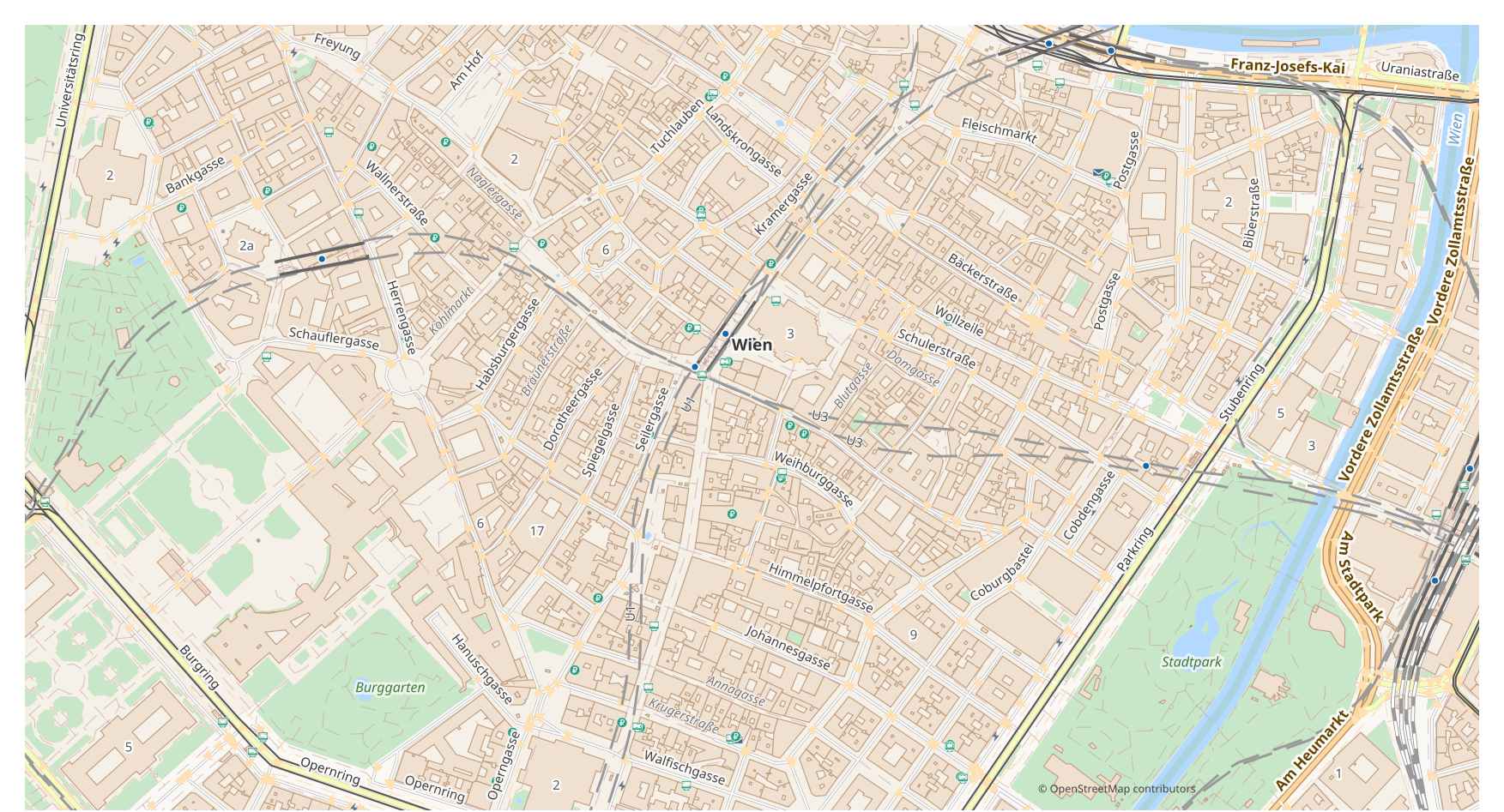
Looking to turn a map from SVG into PDF? If your data comes from OpenStreetMap, you do not need an intermediate SVG file: osm2cdr builds the map straight from the OSM source and hands you a ready PDF. That is faster and more accurate than the chain "download SVG → upload to a converter → get PDF": you pick an area on the map, choose the PDF format and download the result with up-to-date OSM data and layers for buildings, roads, water and features.
How SVG differs from PDF
| Format | Extension | Type | Purpose |
|---|---|---|---|
| SVG | .svg | Vector | Web design, infographics, poster printing, embedding maps on websites, map animation |
| Vector | Map printing, email sharing, presentations, commercial printing, archiving |
How to get PDF on osm2cdr
- 1Select an area on the map on the osm2cdr home page
- 2Choose the PDF format and, if needed, a style and CRS
- 3Click Export and download the ready PDF file
PDF format properties
| Extension | |
| Type | Vector |
| Purpose | Map printing, email sharing, presentations, commercial printing, archiving |
When you need PDF
The PDF format is handy when you need to open the result in a dedicated program and keep working with the map: editing, printing, analysing or embedding it in a project. osm2cdr delivers PDF split into layers with up-to-date OpenStreetMap data, so the file is ready to use right after download.
What changes when going SVG → PDF
SVG files carry finished graphics without attributes or a projection, so rebuilding them into PDF with real layers and objects is unreliable. osm2cdr does not parse your graphics: it builds PDF from OpenStreetMap geodata as editable curves and layers for print and design.
If you have your own SVG file (not from OSM)
osm2cdr does not accept or convert third-party SVG files: the service works only with OpenStreetMap data. If you already have your own SVG file that is not from OSM, convert it to PDF with third-party tools: GDAL/ogr2ogr from the command line or QGIS — open the SVG and save the layer as PDF. It is free and runs locally, with no cloud upload.
FAQ: SVG → PDF
Can I upload my SVG file?
Not yet: we don't support uploading SVG files at the moment, so convert your file to PDF with ogr2ogr or QGIS. And if your data comes from OpenStreetMap, you don't need a file at all — osm2cdr exports the map straight into PDF.
Is it free?
Yes, exporting an OpenStreetMap map to PDF on osm2cdr is free. Select an area, the PDF format and download the result.
Which programs open PDF?
The PDF format opens in dedicated programs for its category. See the PDF format page for the full list and details.
Why is this better than an online SVG → PDF converter?
An online converter caps the result quality at the quality of the source SVG file. osm2cdr takes data from the OpenStreetMap source and builds PDF with correct layers directly — with no loss on an intermediate SVG file.