OSM карта: получете PDF вместо да преобразувате CSV → PDF
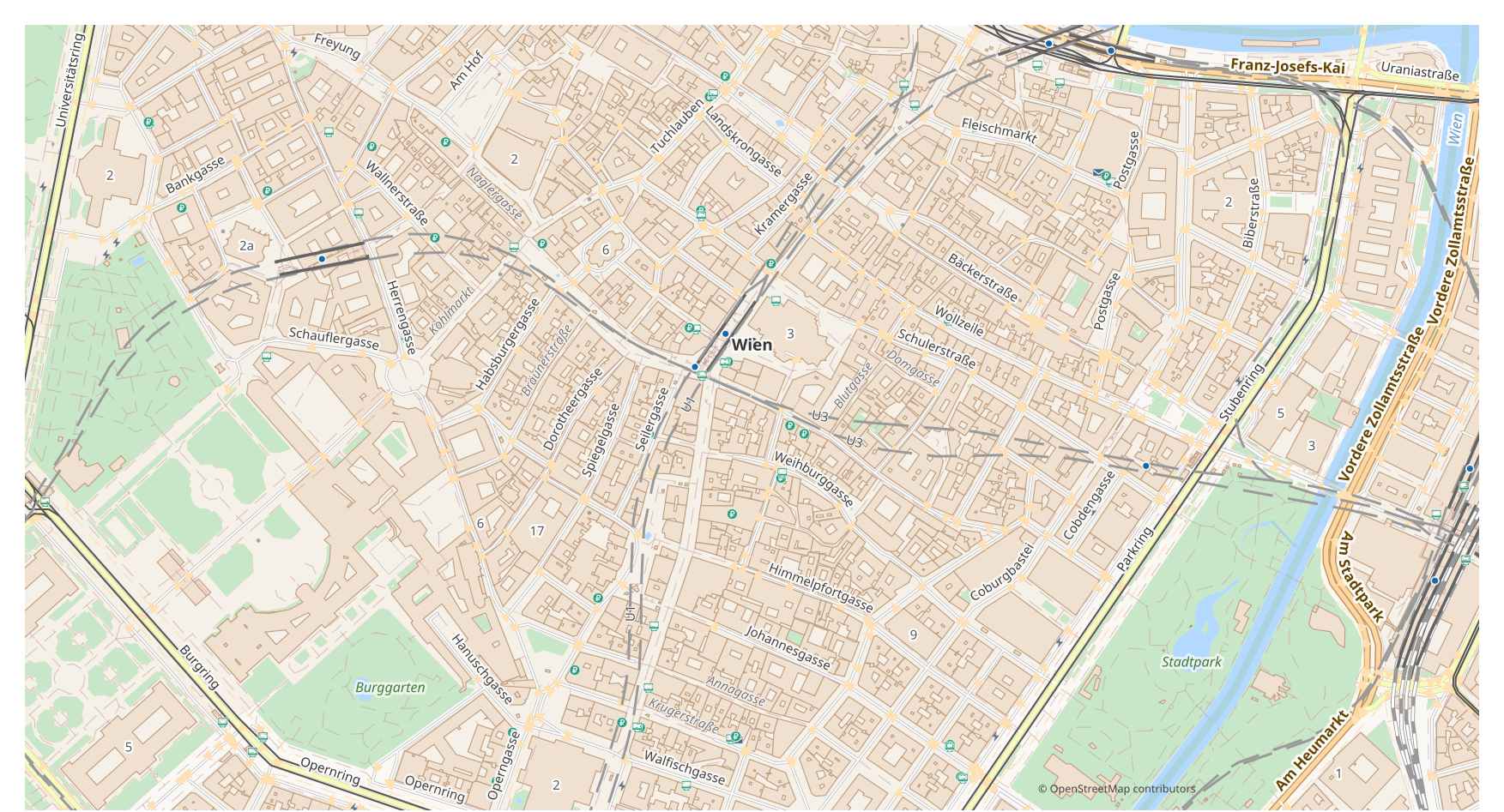
Искате да превърнете карта от CSV в PDF? Ако данните ви идват от OpenStreetMap, не ви е нужен междинен файл CSV: osm2cdr изгражда картата директно от източника OSM и ви дава готов PDF. Това е по-бързо и по-точно от веригата „изтегли CSV → качи в конвертор → получи PDF“: избирате област на картата, избирате формата PDF и изтегляте резултата с актуални OSM данни и слоеве за сгради, пътища, вода и обекти.
С какво CSV се различава от PDF
| Формат | Разширение | Тип | Предназначение |
|---|---|---|---|
| CSV | .csv | GIS | Excel analysis, database import, Python/R data processing, visualization |
| Vector | Map printing, email sharing, presentations, commercial printing, archiving |
Как да получите PDF на osm2cdr
- 1Изберете област на картата на началната страница на osm2cdr
- 2Изберете формата PDF и при нужда стил и CRS
- 3Натиснете Експорт и изтеглете готовия файл PDF
Свойства на формата PDF
| Разширение | |
| Тип | Vector |
| Предназначение | Map printing, email sharing, presentations, commercial printing, archiving |
Кога ви трябва PDF
Форматът PDF е удобен, когато трябва да отворите резултата в специализирана програма и да продължите да работите с картата: редактиране, печат, анализ или вграждане в проект. osm2cdr доставя PDF, разделен на слоеве, с актуални данни на OpenStreetMap, така че файлът е готов за употреба веднага след изтеглянето.
Какво се променя при прехода CSV → PDF
При прехода CSV → PDF данните стават стилизирана векторна графика: атрибутите и таблиците се губят, но обектите остават редактируеми криви и слоеве, подходящи за печат и дизайн. osm2cdr изгражда PDF директно от геоданните на OpenStreetMap, без междинен файл CSV.
Ако имате собствен файл CSV (не от OSM)
osm2cdr не приема и не преобразува файлове CSV от трети страни: услугата работи само с данни на OpenStreetMap. Ако вече имате собствен файл CSV, който не е от OSM, преобразувайте го в PDF с инструменти на трети страни: GDAL/ogr2ogr от командния ред или QGIS — отворете CSV и запазете слоя като PDF. Това е безплатно и работи локално, без качване в облака.
Често задавани въпроси: CSV → PDF
Мога ли да кача собствен файл CSV?
Все още не: в момента не поддържаме качване на файлове CSV, затова преобразувайте файла си в PDF с ogr2ogr или QGIS. А ако данните ви идват от OpenStreetMap, изобщо не ви трябва файл — osm2cdr експортира картата директно в PDF.
Безплатно ли е?
Да, експортът на карта от OpenStreetMap в PDF на osm2cdr е безплатен. Изберете област, формата PDF и изтеглете резултата.
Кои програми отварят PDF?
Форматът PDF се отваря в специализирани програми за неговата категория. Вижте страницата за формата PDF за пълния списък и подробности.
Защо това е по-добре от онлайн конвертор CSV → PDF?
Онлайн конверторът ограничава качеството на резултата до качеството на изходния файл CSV. osm2cdr взема данните от източника OpenStreetMap и изгражда PDF с правилни слоеве директно — без загуба върху междинен файл CSV.