
KMZ (Compressed KML)
Price before paymentKMZ adalah versi terkompresi dari KML untuk Google Earth. Memuat semua geodata dalam satu file ringkas, praktis untuk dikirim melalui email maupun diunggah.
OpenStreetMap data as of 5 October 2026 · 25 days ago
Fitur Utama
Tentang Format KMZ
KMZ is the same KML packed into a ZIP archive. Inside sits a doc.kml file, along with icons and images if needed. Google Earth and GIS programs work with it exactly as with ordinary KML — nothing has to be unpacked.
The point of the format is weight and integrity. Textual KML compresses several times over, so the file is easier to send by email, put in the cloud or hand to a client. And it is a single file instead of a set: nothing gets lost along the way.
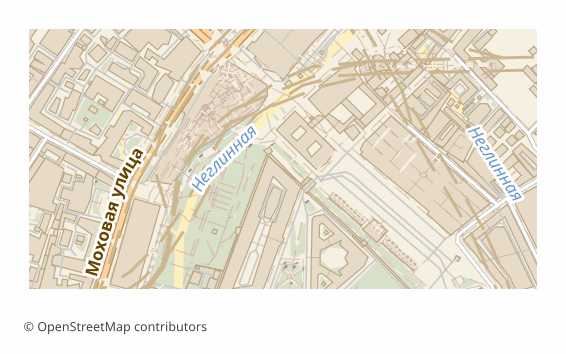
The contents match the KML export completely: layers laid out in folders, OSM tags in the ExtendedData block, coordinates in WGS84, buildings extruded into volume by the heights from the tags, and the other layers pressed to the ground.
It opens in Google Earth, Google My Maps, QGIS and ArcGIS. If you need to look inside, the file can be renamed to .zip and unpacked with any archiver — what you get is ordinary KML.
Program Apa yang Membuka File KMZ
Program dan aplikasi berikut dapat membuka, menyunting, dan mengolah file KMZ (Compressed KML) (.kmz) yang diekspor dari OSM2CDR:
Format specifications
- Open standard
- 3D coordinates supported
- Lossless (no quality loss)
- Stores feature attributes
- Output: 1 file
- Compressed KML (.kmz = zip of KML + assets). Smaller download than KML; same Google Earth / ArcGIS / QGIS support.
Siapa yang Menggunakan Peta KMZ
Cara Mengekspor KMZ
Cara Membuka Setelah Ekspor
- Google Earth Pro (free) — double-click the .kmz and the map opens right away with all its layers.
- Google My Maps — Import takes KMZ just like KML: you get a web map with a link.
- QGIS (free) — Add Vector Layer, pick the .kmz: GDAL reads the archive directly, no unpacking needed.
- Looking inside — rename the file to .zip and unpack it: inside you will find doc.kml, which can be edited in a text editor.
Peta populer dalam KMZ
Dapatkan ekspor peta KMZ (Compressed KML)
Unduh peta KMZ profesional dari OpenStreetMap. Pembuatan instan, area apa pun.
Pertanyaan yang Sering Diajukan
Bandingkan dengan Format Lain
Convert to KMZ and back
KMZ guides and tutorials
Format Terkait
Sering Diekspor Bersama
Related Articles
KMZ — Zipped KML with Resources: What It Is, How to Create and Unpack
Deep guide to KMZ: ZIP wrapper over KML with embedded images and models, OGC standard, usage in Google Earth and mobile
tutorialOpenStreetMap to AutoCAD: Three Ways to Import OSM Data into DWG and DXF
Three working routes from OpenStreetMap to AutoCAD: a ready DWG from the map builder, import through AutoCAD Map 3D and
tutorialOSM maps for Navitel: how it actually works
OSM maps for Navitel: why OpenStreetMap data cannot be dropped into the app directly, where map files go (the NavitelCon