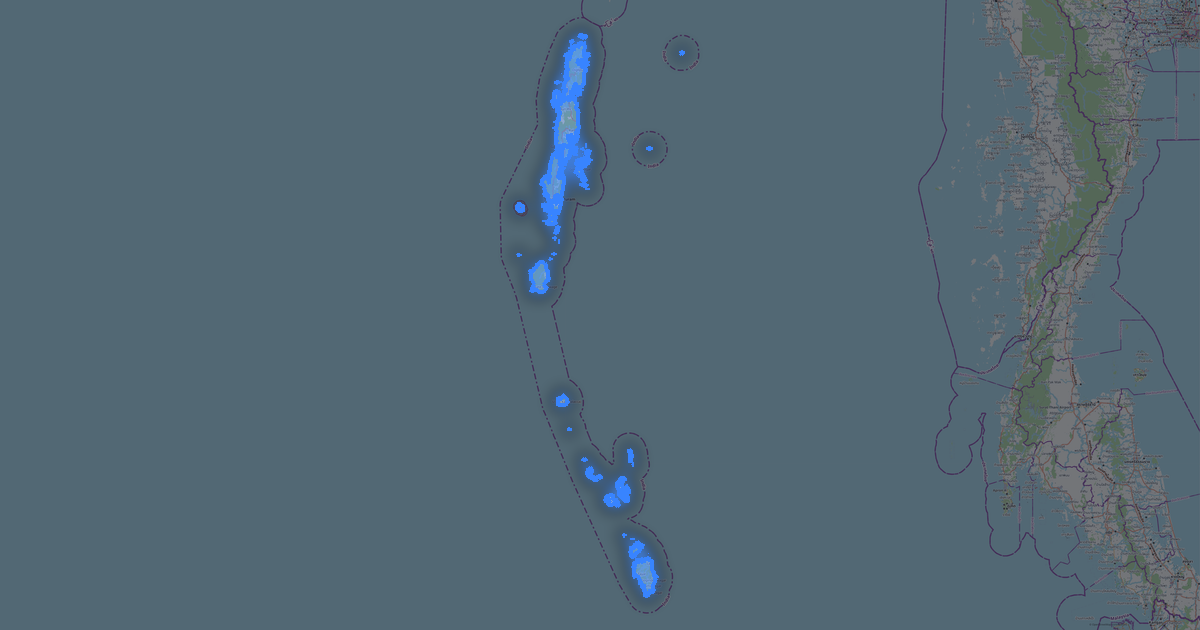
Map of Goa in DGN format
A map built from OpenStreetMap data, ready to download
Customize the map
Open this place's area in the constructor and adjust everything to your needs
Open in constructor →Map passport
What this map contains by default
This is how the map is built as-is — every setting can be changed in the constructor.

About DGN
Map of Goa in DGN — an export of real OpenStreetMap data for the selected area.
DGN is the Bentley MicroStation format for infrastructure design. Standard for road and bridge engineering.
Which layers are in the file
This file for the selected area contains:
- Roads
- Buildings
- Water
- Greenery
- Points of interest
Coordinate systems
WGS 84 (EPSG:4326), selectable in the wizard
Compatibility
Units
Meters (projected in the chosen coordinate system)
| Category | GIS |
| File extension | .dgn |
| Tier | Open Beta |
What's in the DGN map of Goa
24,706 buildings (1,205 residential, 411 commercial, 118 industrial, 370 religious), 8,452.0 km of roads, 6,791 points of interest, 15 landmarks.
The area covers 3,632 km², with about 7 buildings per km².
Mostly residential streets 3,707.4 km, unclassified roads 1,327.3 km, tertiary roads 1,148.6 km.
The map marks 5 parks and 10 water bodies.
Key amenities: hospitals — 134, clinics — 189, pharmacies — 154.
Public transport: 360 bus stops, 20 rail stations.
Main streets: Betim - Pomburpa - Aldona MDR, Hathkhamba-Goa Road, Betim Veren Saligao Road, St. Joquim Road, Mapusa-Duler-Camurlim Road
Landmarks: Ancestral Goa, Ashvek Vintage world- Car Museum, Big Foot Cross Museum, Fernandes Heritage Home, Goa Chitra museum
How to use DGN for Goa
- Select the Goa map area on the main page
- Choose DGN format and configure export settings
- Click Export and wait for processing
- Download the file and use in your application
How to open the drawing: units are metres (projected coordinates, not degrees). If the screen is empty after opening, the file is not empty: use Zoom Extents (show all; in AutoCAD, the ZOOM → E command or a double click of the mouse wheel).