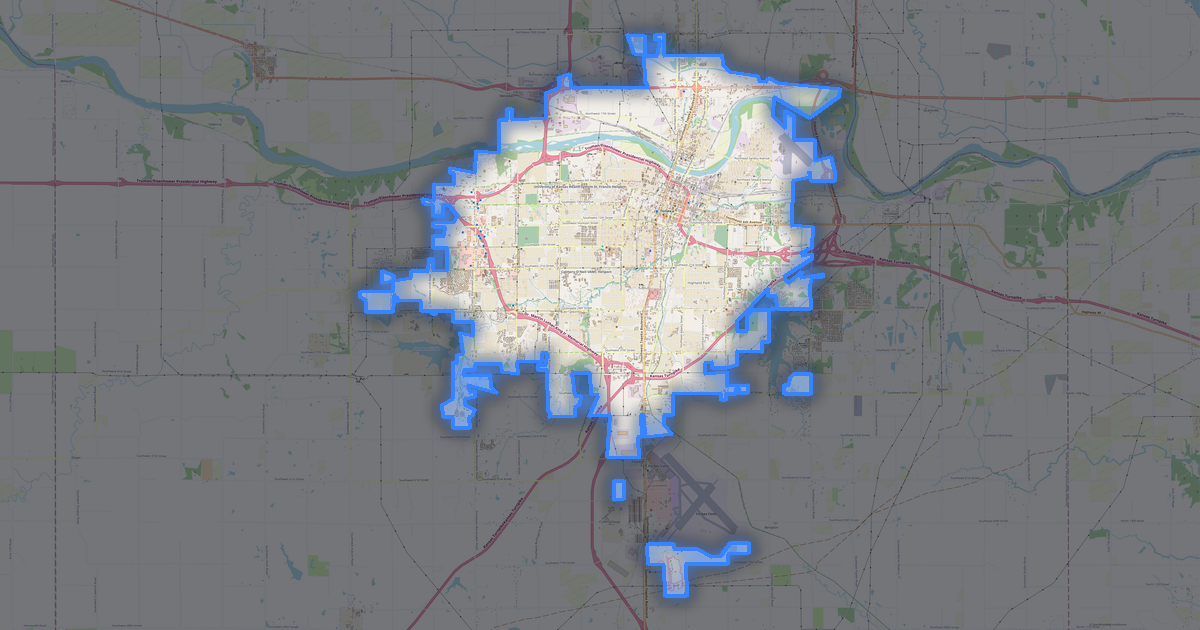
Map of Atchison in OBJ format
A map built from OpenStreetMap data, ready to download
Customize the map
Open this place's area in the constructor and adjust everything to your needs
Open in constructor →Map passport
What this map contains by default
This is how the map is built as-is — every setting can be changed in the constructor.
.obj
About OBJ
Map of Atchison in OBJ: 4 134 buildings — in the WGS 84 coordinate system, units are meters.
Which layers are in the file
This file for the selected area contains:
- Buildings
Geometry by layer
- Buildings — solid volumes extruded from building outlines
What the file carries
The OBJ file for Atchison: features come as a single stream, without named layers, OpenStreetMap tags are not kept — geometry and styling remain, object heights are carried.
What this file will not contain
In OBJ for Atchison the following will not travel: 262 km of roads, 10 water features, 17 km² of green areas, 101 points of interest — the format prints solid volumes extruded from building outlines, and other layers are not part of the model.
File size
The expected size of the OBJ file for Atchison is about 50 KB; the exact size depends on the chosen layers and area.
Coordinate systems
WGS 84 (EPSG:4326), selectable in the wizard
Compatibility
Units
Meters (projected in the chosen coordinate system)
| Category | 3D |
| File extension | .obj |
| Tier | Open Beta |
What's in the OBJ map of Atchison
4,134 buildings (2,504 residential, 89 commercial, 3 industrial, 4 religious), 262.3 km of roads, 101 points of interest, 4 landmarks.
The area covers 22 km², with about 190 buildings per km².
Mostly residential streets 104.1 km, service roads 78.1 km, tertiary roads 28.6 km.
17% of the area is green space.
The map marks 5 parks and 10 water bodies.
Key amenities: schools — 3, dentists — 2, police stations — 4.
3D scene with 4,134 buildings for Blender, Cinema 4D, and other 3D editors.
Main streets: K7 Highway, US 73 Highway, River Road, 286th Road, Main Street
Landmarks: Evah C. Cray Historical Home Museum, Muchnic Gallery, International Forest of Friendship, The Lookout
How to use OBJ for Atchison
- Select the Atchison map area on the main page
- Choose OBJ format and configure export settings
- Click Export and wait for processing
- Download the file and use in your application