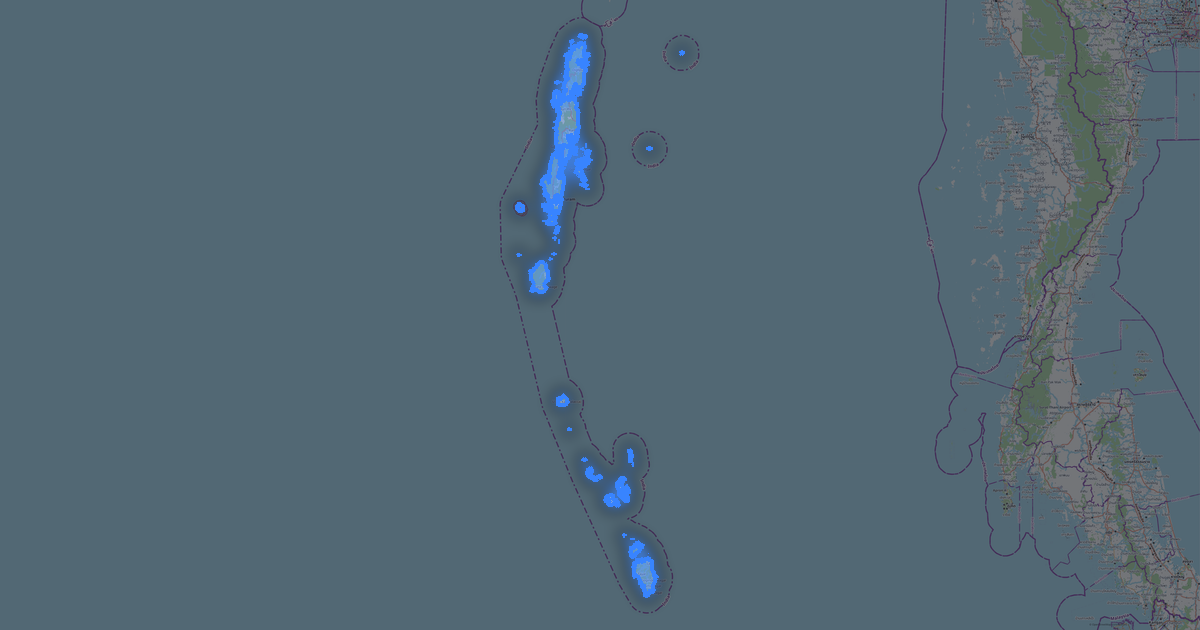
Kort over Sikkim i CSV-format
Et kort bygget af OpenStreetMap-data, klar til download
Tilpas kortet
Åbn dette steds område i konstruktøren og tilpas alt til dit behov
Åbn i konstruktøren →Kortpas
Hvad dette kort indeholder som standard
Sådan bygges kortet som det er — hver indstilling kan ændres i konstruktøren.

Om CSV
Kort over Sikkim i CSV: 155 809 bygninger, 5 982 km veje, 764 interessepunkter, 55% grønne områder — i WGS 84-koordinatsystemet, enheder er meter.
Hvilke lag er i filen
Denne fil indeholder for det valgte område:
- Veje
- Bygninger
- Vand
- Grønt
- Interessepunkter
Geometri pr. lag
- Veje — tabelrækker med WKT-geometri (LineString)
- Bygninger — tabelrækker med WKT-geometri (Polygon)
- Vand — tabelrækker med WKT-geometri (Polygon)
- Grønt — tabelrækker med WKT-geometri (Polygon)
- Interessepunkter — tabelrækker med koordinater og tags
Hvad filen leverer
CSV-filen for Sikkim: hele kortet kommer som én fil, filen er ren tekst og kan åbnes i enhver editor, alle objekter ligger i én samling, og navnet på kildelaget bliver i feltet _layer, geometrien skrives som en WKT-streng i sin egen kolonne, OpenStreetMap-tags bevares som objektattributter.
Filens størrelse
Den forventede størrelse af CSV-filen for Sikkim er omkring 4.1 MB; den nøjagtige størrelse afhænger af de valgte lag og af området.
Koordinatsystemer
WGS 84 (EPSG:4326), kan vælges i guiden
Kompatibilitet
Måleenheder
Meter (projiceret i det valgte koordinatsystem)
| Kategori | GIS |
| Filendelse | .csv |
| Niveau | Open Beta |
What's in the CSV map of Sikkim
155,809 buildings (1,631 residential, 14 commercial, 16 industrial, 15 religious), 5,982.2 km of roads, 764 points of interest, 15 landmarks.
The area covers 7,106 km², with about 22 buildings per km².
Mostly unclassified roads 3,720.0 km, tertiary roads 1,013.8 km, trunk roads 435.1 km.
54.7% of the area is green space.
The map marks 5 parks and 10 water bodies.
Key amenities: schools — 14, hospitals — 15, clinics — 15.
Public transport: 17 bus stops.
Table with 764 points of interest and coordinates. Opens in Excel, Google Sheets, and any GIS.
Main streets: North Sikkim Highway, Gangtok - Assam - Pakyong Road, Rannipool - Rumtek - Sirwani Road, Gipmochi Highway, Penlong - Samdong Road
Landmarks: Sikkim high court museum (frequently closed), Namgyal Institute of Tibetology, Sculpture Shed, Museum on third floor, Black Cat Museum (Indian Army)
Sådan bruger du CSV til Sikkim
- Vælg kortområdet for Sikkim på hovedsiden
- Vælg formatet CSV og konfigurer eksportindstillingerne
- Klik på Eksportér og vent på behandlingen
- Hent filen og brug den i din applikation