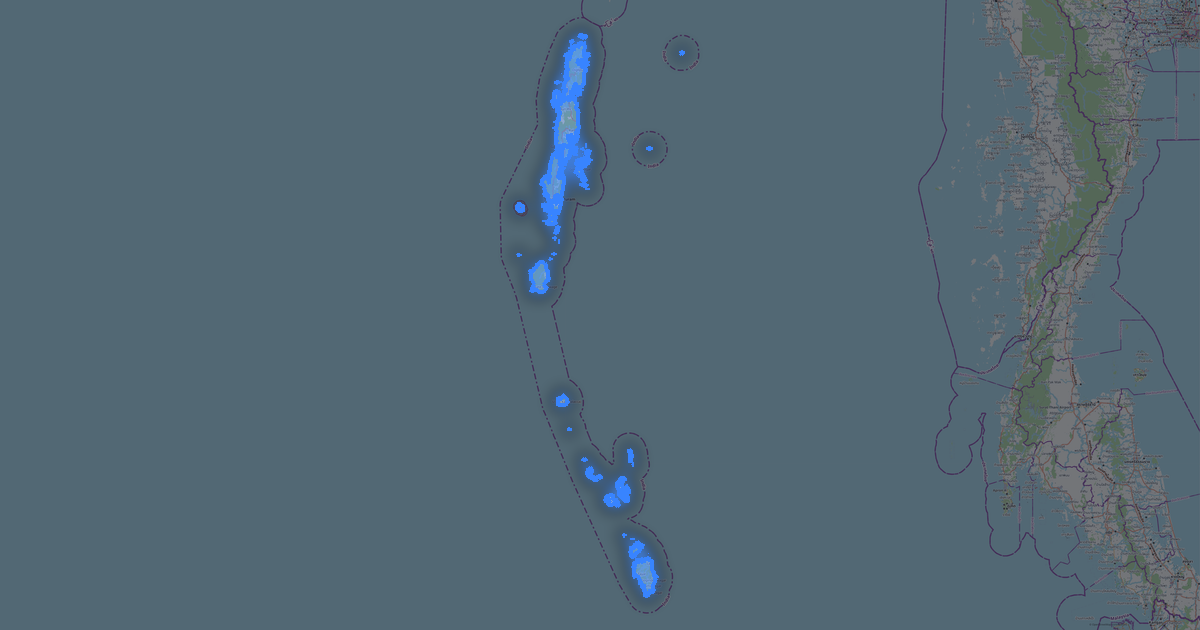
Map of Andhra Pradesh in G-code format
OpenStreetMap ਡੇਟਾ ਤੋਂ ਬਣਿਆ ਨਕਸ਼ਾ, ਡਾਊਨਲੋਡ ਲਈ ਤਿਆਰ
ਨਕਸ਼ਾ ਅਨੁਕੂਲਿਤ ਕਰੋ
ਇਸ ਸਥਾਨ ਦਾ ਖੇਤਰ ਕੰਸਟ੍ਰਕਟਰ ਵਿੱਚ ਖੋਲ੍ਹੋ ਅਤੇ ਸਭ ਕੁਝ ਆਪਣੀ ਲੋੜ ਅਨੁਸਾਰ ਸੋਧੋ
ਕੰਸਟ੍ਰਕਟਰ ਵਿੱਚ ਖੋਲ੍ਹੋ →ਨਕਸ਼ਾ ਪਾਸਪੋਰਟ
ਇਸ ਨਕਸ਼ੇ ਵਿੱਚ ਮੂਲ ਰੂਪ ਵਿੱਚ ਕੀ ਹੈ
ਇਸ ਤਰ੍ਹਾਂ ਨਕਸ਼ਾ "ਜਿਵੇਂ ਹੈ" ਬਣਦਾ ਹੈ — ਹਰ ਸੈਟਿੰਗ ਕੰਸਟ੍ਰਕਟਰ ਵਿੱਚ ਬਦਲੀ ਜਾ ਸਕਦੀ ਹੈ।

G-code ਬਾਰੇ
Andhra Pradesh ਦਾ ਨਕਸ਼ਾ G-code ਵਿੱਚ — ਚੁਣੇ ਗਏ ਖੇਤਰ ਲਈ ਅਸਲ OpenStreetMap ਡੇਟਾ ਦਾ ਨਿਰਯਾਤ।
G-code is a CNC and laser engraver control language. Maps are converted to toolpaths for laser cutting or engraving.
ਫ਼ਾਈਲ ਵਿੱਚ ਕਿਹੜੀਆਂ ਪਰਤਾਂ ਹਨ
ਚੁਣੇ ਗਏ ਖੇਤਰ ਲਈ ਇਸ ਫ਼ਾਈਲ ਵਿੱਚ ਸ਼ਾਮਲ ਹਨ:
- ਸੜਕਾਂ
- ਪਾਣੀ
- ਹਰਿਆਲੀ
ਨਿਰਦੇਸ਼ਾਂਕ ਪ੍ਰਣਾਲੀ
WGS 84 (EPSG:4326), ਵਿਜ਼ਾਰਡ ਵਿੱਚ ਚੁਣਨਯੋਗ
ਅਨੁਕੂਲਤਾ
ਇਕਾਈਆਂ
ਮੀਟਰ (ਚੁਣੀ ਗਈ ਨਿਰਦੇਸ਼ਾਂਕ ਪ੍ਰਣਾਲੀ ਵਿੱਚ ਪ੍ਰੋਜੈਕਟ ਕੀਤੇ)
| ਸ਼੍ਰੇਣੀ | GIS |
| ਫਾਈਲ ਐਕਸਟੈਂਸ਼ਨ | .gcode |
| ਪੱਧਰ | Open Beta |
What's in Andhra Pradesh
851,485 buildings (43,653 residential, 1,939 commercial, 803 industrial, 162 religious), 231,366.6 km of roads, 20,209 points of interest, 15 landmarks.
The area covers 163,058 km², with about 5 buildings per km².
Mostly residential streets 79,353.1 km, unclassified roads 52,674.4 km, tertiary roads 40,746.6 km.
11.1% of the area is green space.
The map marks 5 parks and 10 water bodies.
Key amenities: colleges — 309, schools — 801, hospitals — 4,265.
Public transport: 2,977 bus stops, 54 tram stops, 1 metro stations, 520 rail stations.
Main streets: NH 16 Service Road, vizianagaram -palakonda, Kadapa - Pulivendula Road, Kalingapatnam - Srikakulam - Parvathipuram Road, Ongole - Nandyal Road
Landmarks: school of law, Forest museum, Undavalli Caves, Bapu Museum, Prasadampadu Panchayath Office
Andhra Pradesh ਲਈ G-code ਕਿਵੇਂ ਵਰਤੀਏ
- ਮੁੱਖ ਪੰਨੇ 'ਤੇ Andhra Pradesh ਨਕਸ਼ਾ ਖੇਤਰ ਚੁਣੋ
- G-code ਫਾਰਮੈਟ ਚੁਣੋ ਅਤੇ ਨਿਰਯਾਤ ਸੈਟਿੰਗਾਂ ਕੌਨਫਿਗਰ ਕਰੋ
- ਨਿਰਯਾਤ 'ਤੇ ਕਲਿੱਕ ਕਰੋ ਅਤੇ ਪ੍ਰਕਿਰਿਆ ਦੀ ਉਡੀਕ ਕਰੋ
- ਫ਼ਾਈਲ ਡਾਊਨਲੋਡ ਕਰੋ ਅਤੇ ਆਪਣੀ ਐਪਲੀਕੇਸ਼ਨ ਵਿੱਚ ਵਰਤੋਂ