
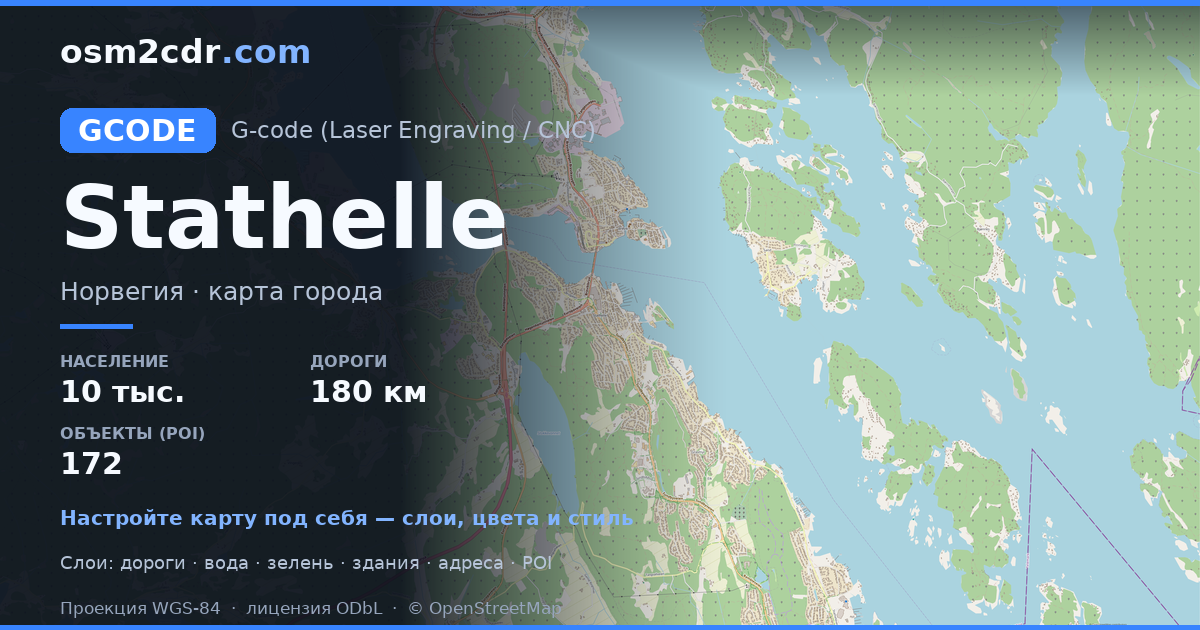
Map of Stathelle in G-code format
Peta yang dibangun dari data OpenStreetMap, siap diunduh
Sesuaikan peta untuk Anda
Buka area tempat ini di konstruktor dan sesuaikan semuanya dengan kebutuhan Anda
Buka di konstruktor →Informasi peta
Apa isi peta ini secara default
Beginilah peta dibangun «apa adanya» — setiap pengaturan dapat diubah di konstruktor.
Tentang G-code
Peta Stathelle dalam format G-code — ekspor data OpenStreetMap nyata untuk area yang dipilih.
G-code is a CNC and laser engraver control language. Maps are converted to toolpaths for laser cutting or engraving.
Lapisan apa saja yang ada di file
File ini untuk area yang dipilih berisi:
- Jalan
- Bangunan
- Air
- Penghijauan
- Titik menarik
Sistem koordinat
WGS 84 (EPSG:4326), dapat dipilih di wizard
Kompatibilitas
Satuan ukuran
Meter (diproyeksikan dalam sistem koordinat yang dipilih)
| Kategori | GIS |
| Ekstensi file | .gcode |
| Tingkat | Gratis |
What's in the G-code map of Stathelle
5,060 buildings (2,368 residential, 122 commercial, 119 industrial, 3 religious), 180.5 km of roads, 172 points of interest, 6 landmarks.
The area covers 22 km², with about 234 buildings per km².
Mostly residential streets 56.6 km, service roads 48.9 km, cycleways 20.3 km.
100% of the area is green space.
The map marks 10 water bodies.
Key amenities: schools — 5, kindergartens — 8, pharmacies — 3.
Public transport: 80 bus stops, 1 tram stops.
Main streets: Sundbyveien, Tangvallveien, Europaveien, Langesundveien, Krabberødveien
Landmarks: Brevik bymuseum, Brevik bymuseum, Galleri Gruppe 9, Steinalderboplass, Brevik kirke
Cara menggunakan G-code untuk Stathelle
- Pilih area peta Stathelle di halaman utama
- Pilih format G-code dan atur opsi ekspor
- Klik «Ekspor» dan tunggu hingga selesai
- Unduh file yang sudah siap dan gunakan di aplikasi Anda


