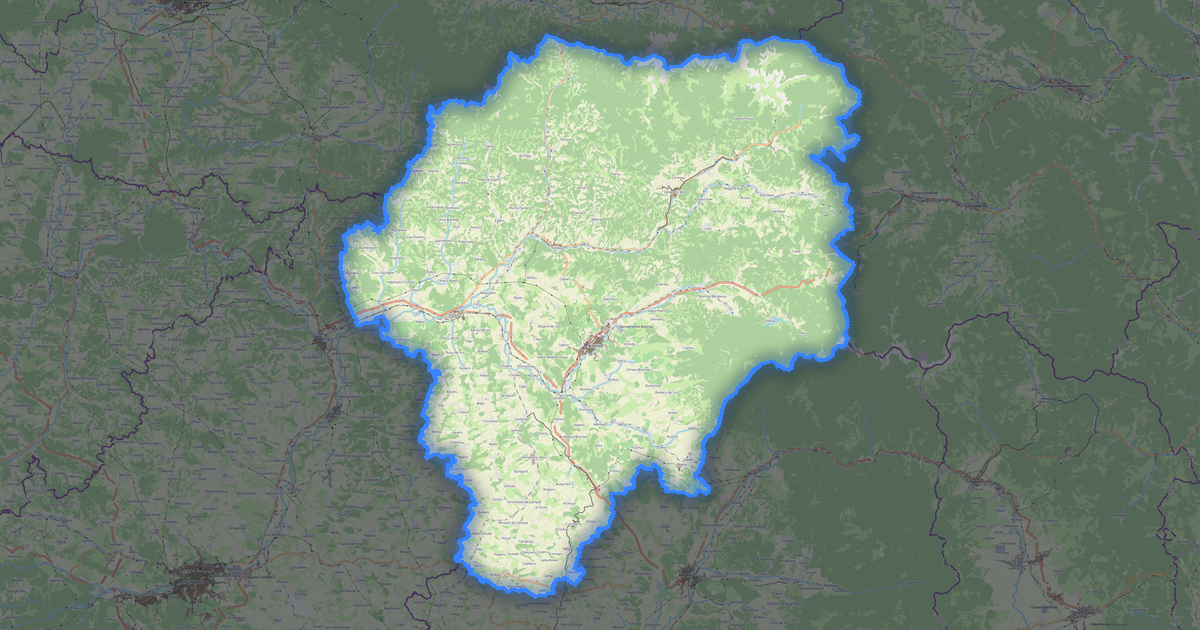
Mappa di Galați in formato EPS
A map built from OpenStreetMap data, ready to download

Personalizza la mappa
Apri l'area di questo luogo nel costruttore e regola tutto
Apri nel costruttore →Scheda della mappa
What this map contains by default
This is how the map is built as-is — every setting can be changed in the constructor.
Informazioni su EPS
Map of Galați in EPS — an export of real OpenStreetMap data for the selected area.
Encapsulated PostScript — a print-industry standard for exchanging vector artwork. Supports CMYK color and raster previews, compatible with any professional software.
Which layers are in the file
This file for the selected area contains:
- Roads
- Buildings
- Water
- Greenery
- Points of interest
Coordinate systems
WGS 84 (EPSG:4326), selezionabile nella procedura guidata
Compatibility
Units
Meters (projected in the chosen coordinate system)
| Categoria | Vector |
| Estensione file | .eps |
| Livello | Free |
What's in the EPS map of Galați
10,579 buildings (2,203 residential, 94 commercial, 1,641 industrial, 15 religious), 4,722.0 km of roads, 1,047 points of interest, 15 landmarks.
Mostly residential streets 2,312.6 km, secondary roads 678.0 km, service roads 547.8 km.
17.9% of the area is green space.
Key amenities: kindergartens — 17, pharmacies — 54, supermarkets — 58.
EPS map contains 10,579 buildings and 4,722.0 km of roads. Ready for professional printing and layout.
Main streets: Strada Ștefan cel Mare, Strada Principală, Strada Mihai Eminescu, Strada Crinului, Strada Galați
Landmarks: Muzeul Aeronauticii Moldovei, Colecția Muzeală a Mănăstirii Vladimirești, Muzeul de Artă Vizuală, Colecția Muzeală a Mănăstirii Buciumeni, Muzeul Episcopiei Dunării de Jos
How to use EPS for Galați
- Select the Galați map area on the main page
- Choose EPS format and configure export settings
- Click Export and wait for processing
- Download the file and use in your application