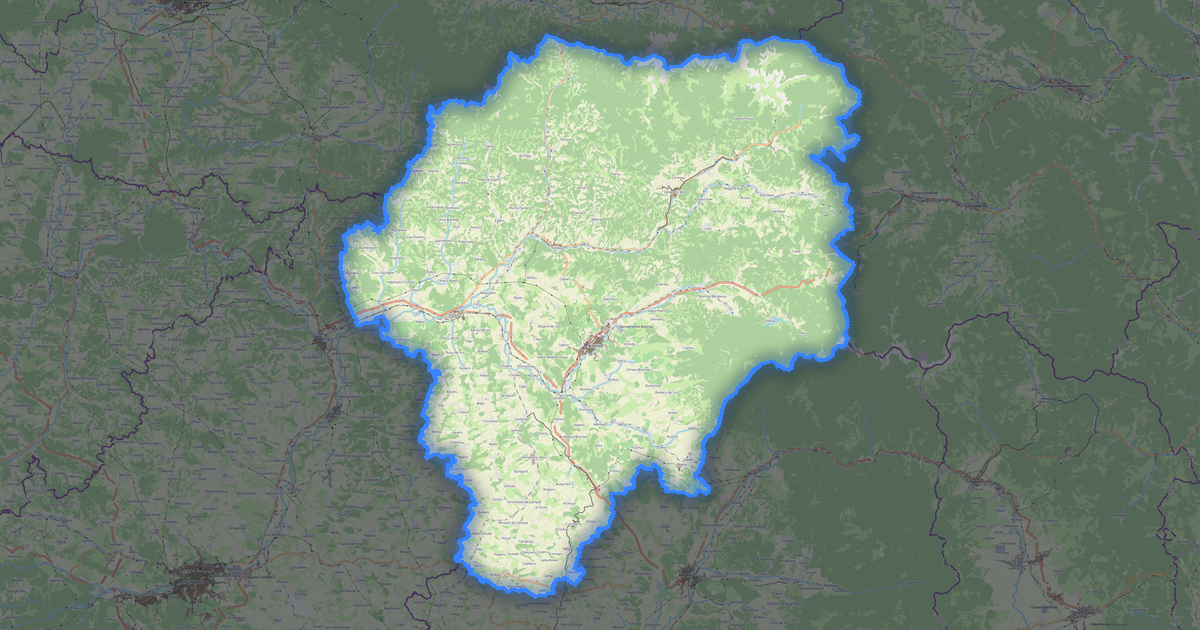
Carte de Constanța au format DXF
A map built from OpenStreetMap data, ready to download

Personnalisez la carte
Ouvrez la zone de ce lieu dans le constructeur et ajustez tout
Ouvrir dans le constructeur →Fiche de la carte
What this map contains by default
This is how the map is built as-is — every setting can be changed in the constructor.
À propos de DXF
Map of Constanța in DWG: 102 164 buildings as closed polylines on dedicated layers, 7 455 km of roads classified by type, 3 587 points of interest, 36% green areas — in the WGS 84 coordinate system, ready to open in AutoCAD, BricsCAD, nanoCAD. Every feature type on its own layer, units are meters.
Which layers are in the file
This file for the selected area contains:
- Roads
- Buildings
- Water
- Greenery
- Points of interest
Geometry by layer
- Roads — polylines classified by road type
- Buildings — closed polylines on dedicated layers
- Water — closed polylines and shoreline polylines
- Greenery — closed polylines for area features
- Points of interest — points/blocks tagged by category
Coordinate systems
WGS 84 (EPSG:4326), au choix dans l'assistant
Compatibility
Units
Meters (projected in the chosen coordinate system)
| Catégorie | CAO |
| Extension de fichier | .dxf |
| Niveau | Free |
What's in the DXF map of Constanța
102,164 buildings (18,790 residential, 341 commercial, 2,240 industrial, 64 religious), 7,455.4 km of roads, 3,587 points of interest, 15 landmarks.
Mostly residential streets 2,942.9 km, service roads 1,763.9 km, secondary roads 755.5 km.
Key amenities: pharmacies — 158, supermarkets — 179, convenience stores — 472.
Drawing contains 102,164 buildings and 7,455.4 km of roads separated by layers. Compatible with all CAD software.
Main streets: Strada Principală, Strada Școlii, Strada Bisericii, Bulevardul Mamaia, Strada Mihai Eminescu
Landmarks: Casa Tătărească „Zulfie Totay” din Cadrul Fundației Insanlik - Omenia, Colecția Muzeală a Manastiri Ortodoxe Dervent, Colecția Muzeală a Geamiei Medgidia, Muzeul de Arheologie "Callatis", Muzeul Carsium
How to use DXF for Constanța
- Select the desired Constanța area on the map
- Choose DXF format and export
- Open in AutoCAD, QGIS, or FreeCAD
- All features are organized into classified layers
Programs that open DXF
FAQ: DXF for Constanța
What's the difference between DXF and DWG?
DXF is an open text format readable by any CAD software. DWG is a binary AutoCAD format with higher precision. Choose DXF for compatibility.