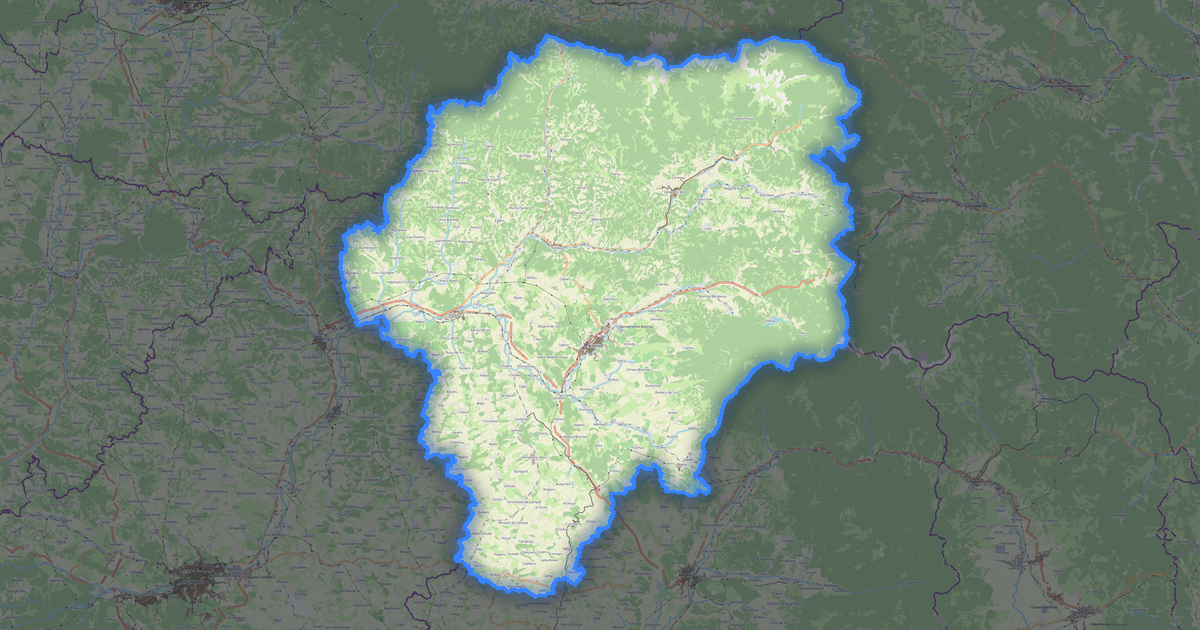
Mapa Bihor w formacie MapInfo MIF
A map built from OpenStreetMap data, ready to download

Customize the map
Open this place's area in the constructor and adjust everything to your needs
Open in constructor →Map passport
What this map contains by default
This is how the map is built as-is — every setting can be changed in the constructor.
O formacie MapInfo MIF
Map of Bihor in MapInfo MIF — an export of real OpenStreetMap data for the selected area.
MIF/MID is a MapInfo text data exchange format. File pair: geometry (.mif) and attributes (.mid) for MapInfo Pro compatibility.
Which layers are in the file
This file for the selected area contains:
- Roads
- Buildings
- Water
- Greenery
- Points of interest
Coordinate systems
WGS 84 (EPSG:4326), selectable in the wizard
Compatibility
Units
Meters (projected in the chosen coordinate system)
| Kategoria | CAD |
| Rozszerzenie pliku | .mif |
| Poziom | Free |
What's in the MapInfo MIF map of Bihor
94,105 buildings (39,757 residential, 104 commercial, 979 industrial, 155 religious), 7,164.0 km of roads, 1,764 points of interest, 15 landmarks.
Mostly residential streets 2,776.7 km, tertiary roads 1,173.4 km, secondary roads 988.1 km.
Key amenities: pharmacies — 72, supermarkets — 90, convenience stores — 65.
Main streets: Inelul Metropolitan Oradea, Calea Borșului, Strada Mihai Eminescu, Strada Horea, Strada Crișului
Landmarks: Muzeul Țării Crișurilor, Colecția Muzeală de Istorie, Arheologie și Etnografie a Văii Ierului, Colecția muzeală a Episcopiei Romano-Catolice Oradea, Arany János Emlékmúzeum, Muzeul Militar National Regele Ferdinand I Filiala Oradea
How to use MapInfo MIF for Bihor
- Select the Bihor map area on the main page
- Choose MapInfo MIF format and configure export settings
- Click Export and wait for processing
- Download the file and use in your application