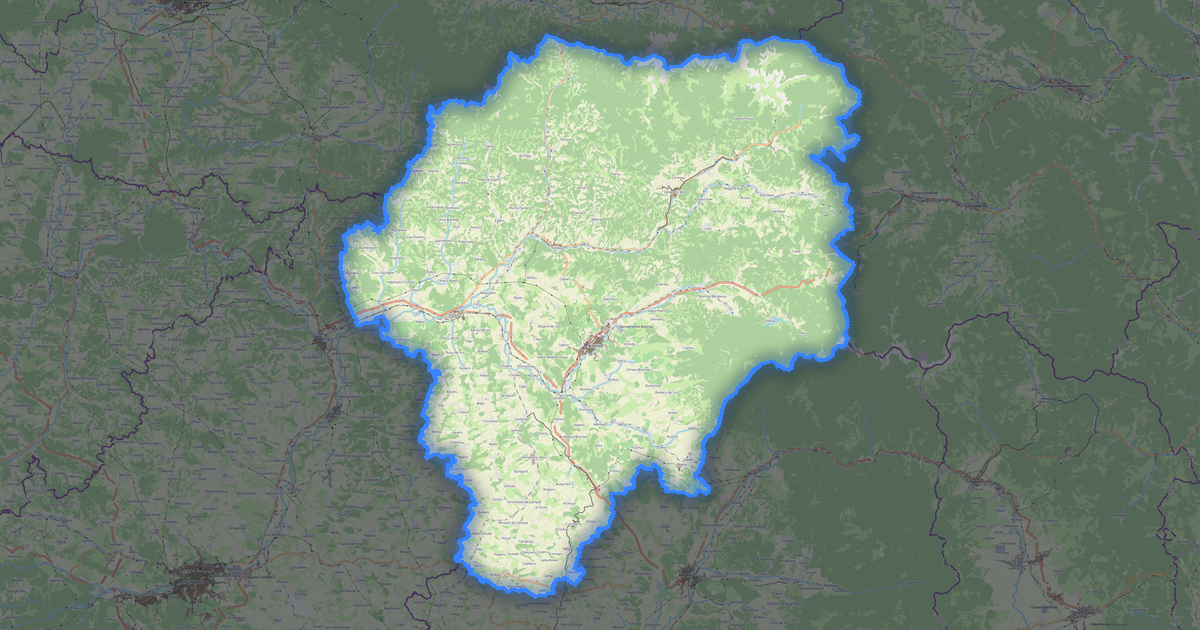
Karte von Argisch im GML-Format
A map built from OpenStreetMap data, ready to download

Karte anpassen
Bereich dieses Ortes im Konstruktor offnen und alles anpassen
Im Konstruktor offnen →Karten-Steckbrief
What this map contains by default
This is how the map is built as-is — every setting can be changed in the constructor.
Über GML
Map of Argisch in GML — an export of real OpenStreetMap data for the selected area.
GML (Geography Markup Language) is an OGC standard for encoding geodata in XML. Foundation for WFS, CityGML, and other standards.
Which layers are in the file
This file for the selected area contains:
- Roads
- Buildings
- Water
- Greenery
- Points of interest
Coordinate systems
WGS 84 (EPSG:4326), im Assistenten wahlbar
Compatibility
Units
Meters (projected in the chosen coordinate system)
| Kategorie | GIS |
| Dateierweiterung | .gml |
| Tarif | Free |
What's in the GML map of Argisch
49,316 buildings (7,879 residential, 116 commercial, 857 industrial, 50 religious), 7,238.6 km of roads, 1,625 points of interest, 15 landmarks.
Mostly residential streets 3,089.8 km, secondary roads 998.8 km, tertiary roads 795.8 km.
Key amenities: schools — 40, pharmacies — 62, supermarkets — 94.
GML document with 49,316 buildings and 7,238.6 km of roads. OGC standard for GIS data exchange.
Main streets: Transfăgărășan, Strada Principală, Strada Principală, Strada Corbeni, Strada Principală
Landmarks: Pomiculturii și Viticulturii, Vila Golescu, Casa Memorială "Liviu Rebreanu", Ansamblul Feudal Curtea Domnească și Biserica Domnească de la Argeș, Colecția Muzeală a Mănăstirii Ortodoxe Curtea de Argeș
How to use GML for Argisch
- Select the Argisch map area on the main page
- Choose GML format and configure export settings
- Click Export and wait for processing
- Download the file and use in your application