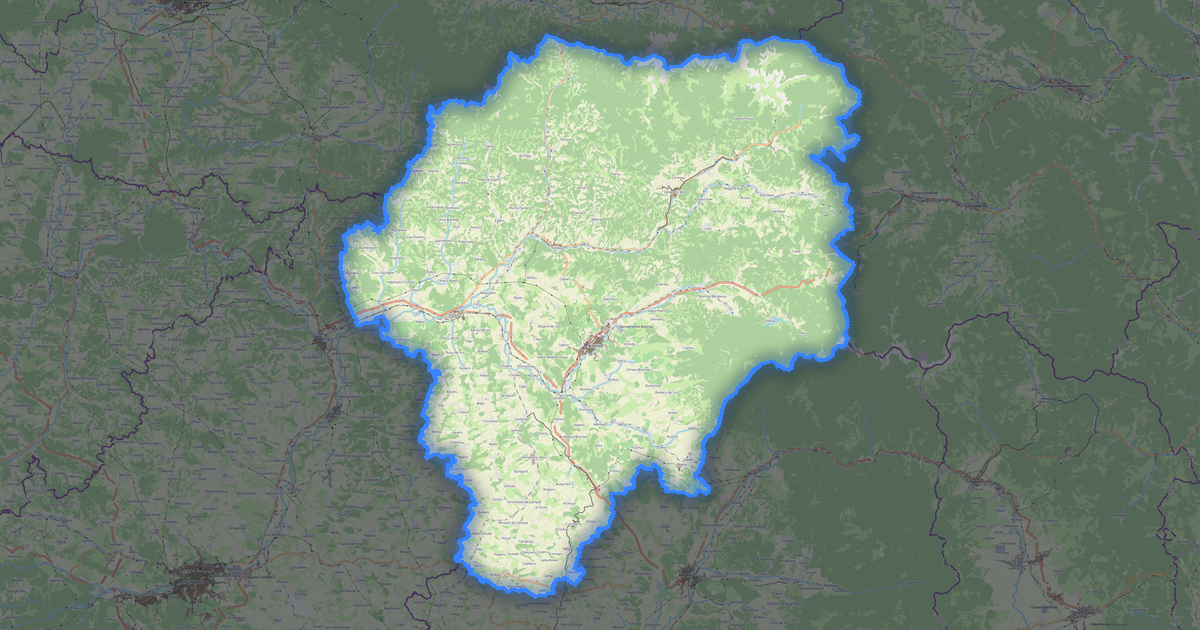
Carte de Olt au format Garmin IMG
A map built from OpenStreetMap data, ready to download

Personnalisez la carte
Ouvrez la zone de ce lieu dans le constructeur et ajustez tout
Ouvrir dans le constructeur →Fiche de la carte
What this map contains by default
This is how the map is built as-is — every setting can be changed in the constructor.
À propos de Garmin IMG
Map of Olt in Garmin IMG — an export of real OpenStreetMap data for the selected area.
Garmin IMG is a binary map format for Garmin GPS devices. Contains roads, POIs, and terrain for offline navigation.
Which layers are in the file
This file for the selected area contains:
- Roads
- Buildings
- Water
- Greenery
- Points of interest
Coordinate systems
WGS 84 (EPSG:4326), au choix dans l'assistant
Compatibility
Units
Meters (projected in the chosen coordinate system)
| Catégorie | SIG |
| Extension de fichier | .img |
| Niveau | Free |
What's in the Garmin IMG map of Olt
72,375 buildings (24,492 residential, 25 commercial, 302 industrial, 65 religious), 5,348.9 km of roads, 913 points of interest, 15 landmarks.
Mostly residential streets 2,294.4 km, secondary roads 1,005.7 km, tertiary roads 588.1 km.
14% of the area is green space.
Key amenities: schools — 37, pharmacies — 51, supermarkets — 92.
Main streets: Strada Principală, Strada Principală, Strada Bisericii, Strada Principală, Strada Viilor
Landmarks: Centrul Muzeal „Aviator Alexandru Şerbănescu”, Colecție Muzeală din Poboru, Muzeul de Arheologie și Etnografie, Cetatea romana Sucidava (Celeiu), Muzeul Sătesc Orlea
How to use Garmin IMG for Olt
- Select the Olt map area on the main page
- Choose Garmin IMG format and configure export settings
- Click Export and wait for processing
- Download the file and use in your application