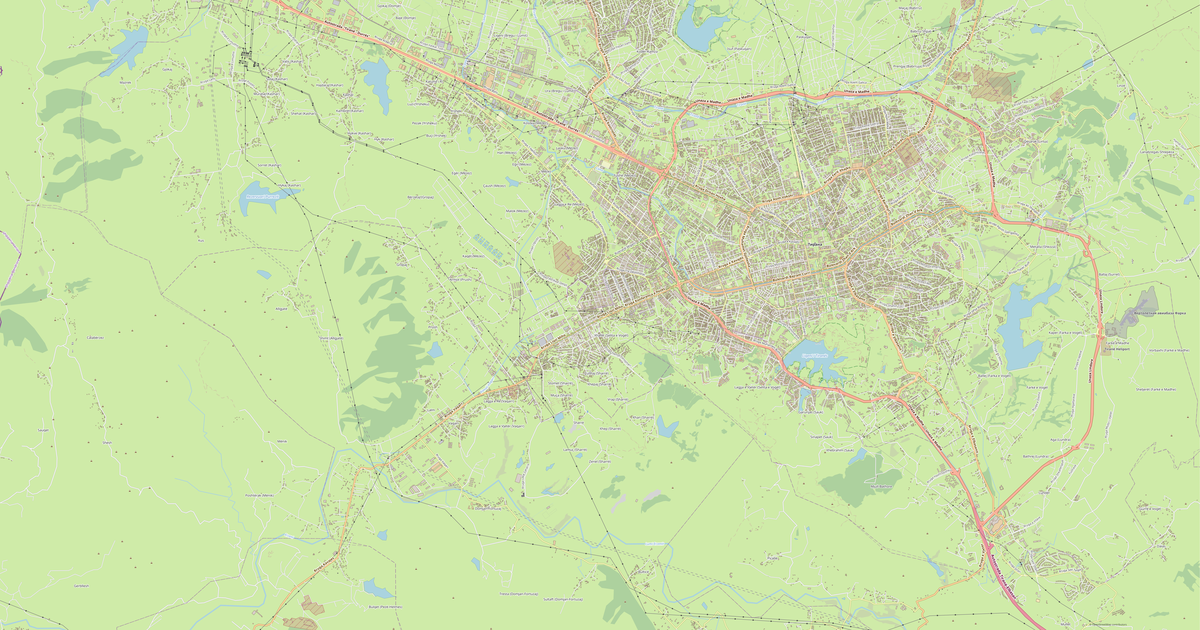
Karte von Bathore im DST Embroidery-Format
Karte aus OpenStreetMap-Daten, bereit zum Herunterladen
Karte anpassen
Bereich dieses Ortes im Konstruktor offnen und alles anpassen
Im Konstruktor offnen →Karten-Steckbrief
Was diese Karte standardmäßig enthält
So wird die Karte „wie sie ist“ zusammengestellt — jeder Parameter lässt sich im Konstruktor ändern.
.dst
Über DST Embroidery
Karte von Bathore im Format DST Embroidery — ein Export echter OpenStreetMap-Daten für den gewählten Bereich.
DST is the Tajima embroidery machine format. Maps are converted to stitches for industrial and home embroidery machines.
Welche Ebenen die Datei enthält
Diese Datei enthält für den gewählten Bereich:
- Straßen
- Gebäude
- Grün
- Points of Interest
Koordinatensysteme
WGS 84 (EPSG:4326), im Assistenten wahlbar
Kompatibilität
Maßeinheiten
Meter (projiziert im gewählten Koordinatensystem)
| Kategorie | GIS |
| Dateierweiterung | .dst |
| Tarif | Kostenlos |
What's in the DST Embroidery map of Bathore
2,510 buildings (7 residential, 1 commercial), 44.8 km of roads, 32 points of interest, 1 landmarks.
The area covers 1.5 km², with about 1,682 buildings per km².
Mostly residential streets 26.3 km, tertiary roads 9.2 km, service roads 3.9 km.
1.3% of the area is green space.
Key amenities: schools — 1, kindergartens — 1, dentists — 1.
Public transport: 5 bus stops.
Main streets: Bulevard Ramush Haradinaj, Rruga Demokracia, Rruga Azem Hajdari, Rruga Shën Gjon Pali II, Rruga Arjan Sala
Landmarks: Xhamia e lagjes Bathore
So verwenden Sie DST Embroidery für Bathore
- Wählen Sie den Kartenbereich von Bathore auf der Hauptseite aus
- Wählen Sie das Format DST Embroidery und konfigurieren Sie die Exporteinstellungen
- Klicken Sie auf „Exportieren“ und warten Sie auf den Abschluss
- Laden Sie die fertige Datei herunter und verwenden Sie sie im gewünschten Programm