Map of Trinity in FBX format
A map built from OpenStreetMap data, ready to download
Customize the map
Open this place's area in the constructor and adjust everything to your needs
Open in constructor →Map passport
What this map contains by default
This is how the map is built as-is — every setting can be changed in the constructor.
.fbx
About FBX
Map of Trinity in FBX — an export of real OpenStreetMap data for the selected area.
FBX (Filmbox) is the Autodesk format for 3D data exchange between DCC applications. Supports animation, skeletons, and complex scenes.
Which layers are in the file
This file for the selected area contains:
- Roads
- Buildings
- Greenery
- Points of interest
Coordinate systems
WGS 84 (EPSG:4326), selectable in the wizard
Compatibility
Units
Meters (projected in the chosen coordinate system)
| Category | 3D |
| File extension | .fbx |
| Tier | Free |
What's in the FBX map of Trinity
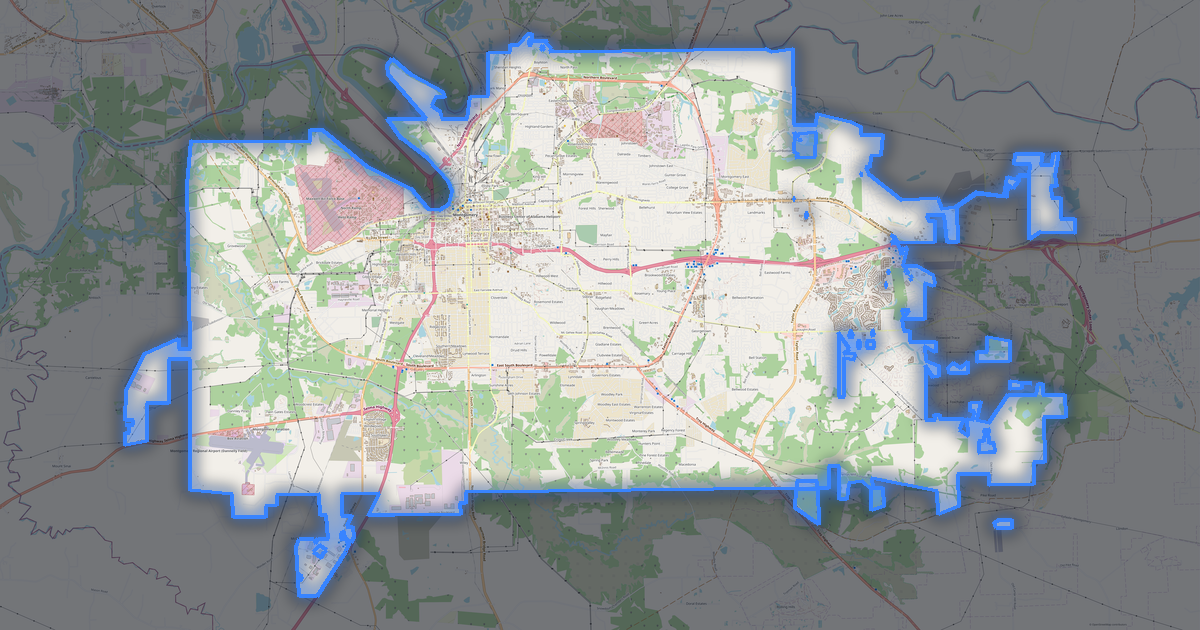
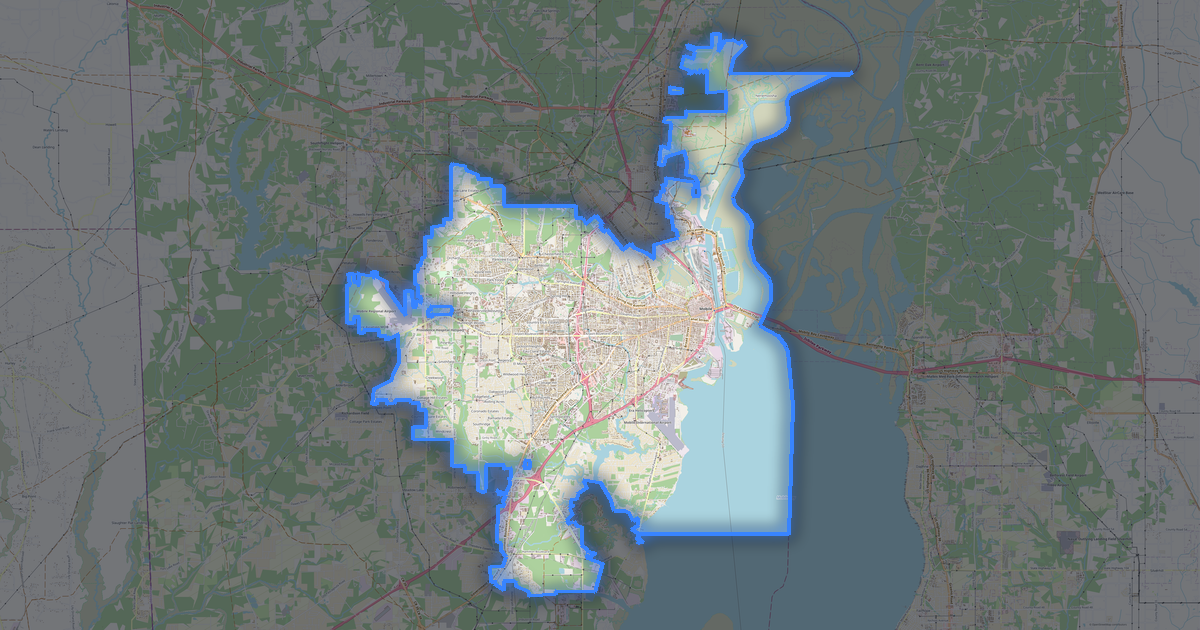
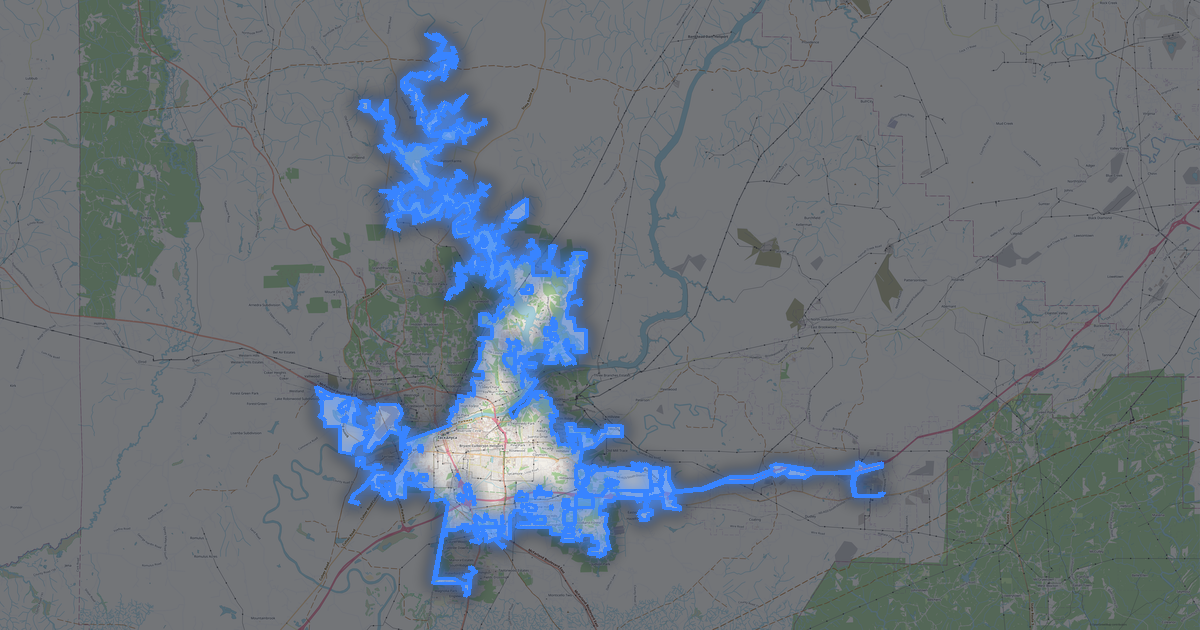
103 buildings (2 residential, 1 commercial, 1 industrial, 1 religious), 98.0 km of roads, 42 points of interest, 5 landmarks.
The area covers 13 km², with about 8 buildings per km².
Mostly residential streets 40.6 km, tertiary roads 28.2 km, service roads 13.9 km.
4.6% of the area is green space.
The map marks 2 parks.
Key amenities: schools — 2, convenience stores — 1, town halls — 1.
Main streets: County Road 222, Old Highway 24, Old Trinity Road, North Seneca Drive, Woodall Road
Landmarks: Love Chapel, Trinity Methodist Church, Iglesia Adventista del Septimo Dia Alpha Spanish, Trinity Baptist Church, Trinity Free Presbyterian Church
How to use FBX for Trinity
- Select the Trinity map area on the main page
- Choose FBX format and configure export settings
- Click Export and wait for processing
- Download the file and use in your application