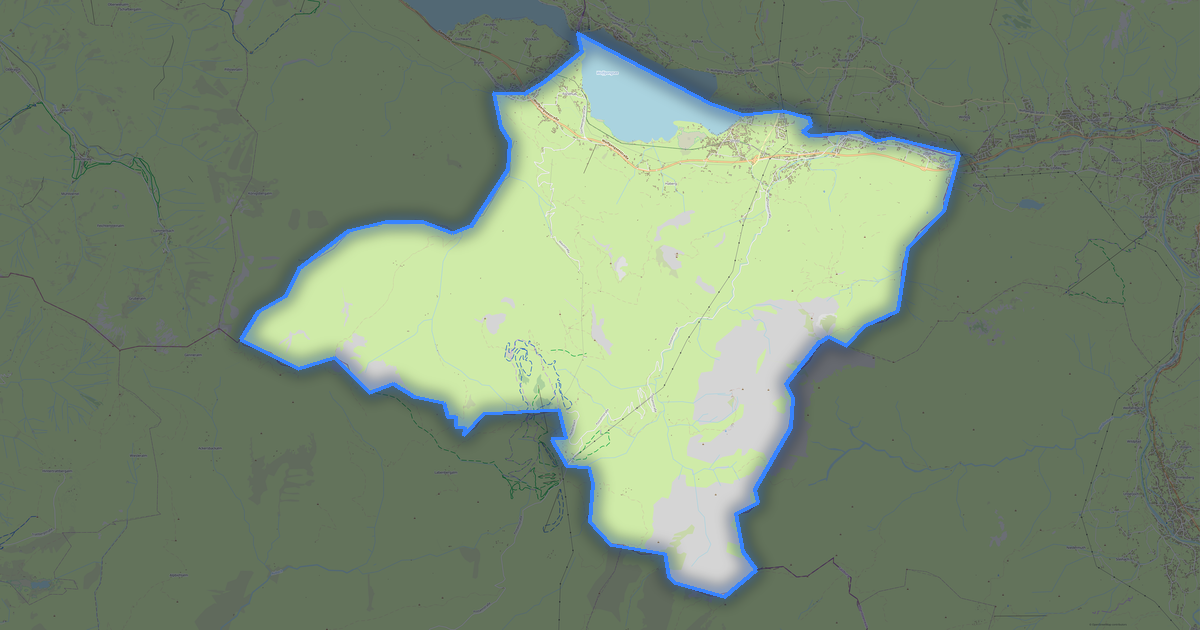
Map of Strobl in STEP format
A map built from OpenStreetMap data, ready to download
Customize the map
Open this place's area in the constructor and adjust everything to your needs
Open in constructor →Map passport
What this map contains by default
This is how the map is built as-is — every setting can be changed in the constructor.
.step
About STEP
Map of Strobl in STEP — an export of real OpenStreetMap data for the selected area.
STEP (ISO 10303) is the international standard for CAD data exchange. Precise B-Rep geometry for engineering design.
Which layers are in the file
This file for the selected area contains:
- Roads
- Buildings
- Water
- Greenery
- Points of interest
Coordinate systems
WGS 84 (EPSG:4326), selectable in the wizard
Compatibility
Units
Meters (projected in the chosen coordinate system)
| Category | 3D |
| File extension | .step |
| Tier | Free |
What's in the STEP map of Strobl
2,993 buildings (1,129 residential, 20 commercial, 30 industrial, 7 religious), 127.5 km of roads, 406 points of interest, 20 landmarks.
The area covers 94 km², with about 32 buildings per km².
Mostly service roads 60.4 km, residential streets 21.1 km, tertiary roads 19.0 km.
58.1% of the area is green space.
The map marks 3 parks and 28 water bodies.
Key amenities: attractions — 6, hotels — 13, restaurants — 15.
Public transport: 20 bus stops.
Main streets: Postalmstraße, Alte Bundesstraße, Wolfgangseestraße, St. Wolfgang Straße, Landauerstraße
Landmarks: Aberseer Heimathaus Lipphaus, Deutschvilla, Bleckwandfenster, Sommerrodelbahn Strobl am Wolfgangsee, Sommerrodelbahn Strobl
How to use STEP for Strobl
- Select the Strobl map area on the main page
- Choose STEP format and configure export settings
- Click Export and wait for processing
- Download the file and use in your application