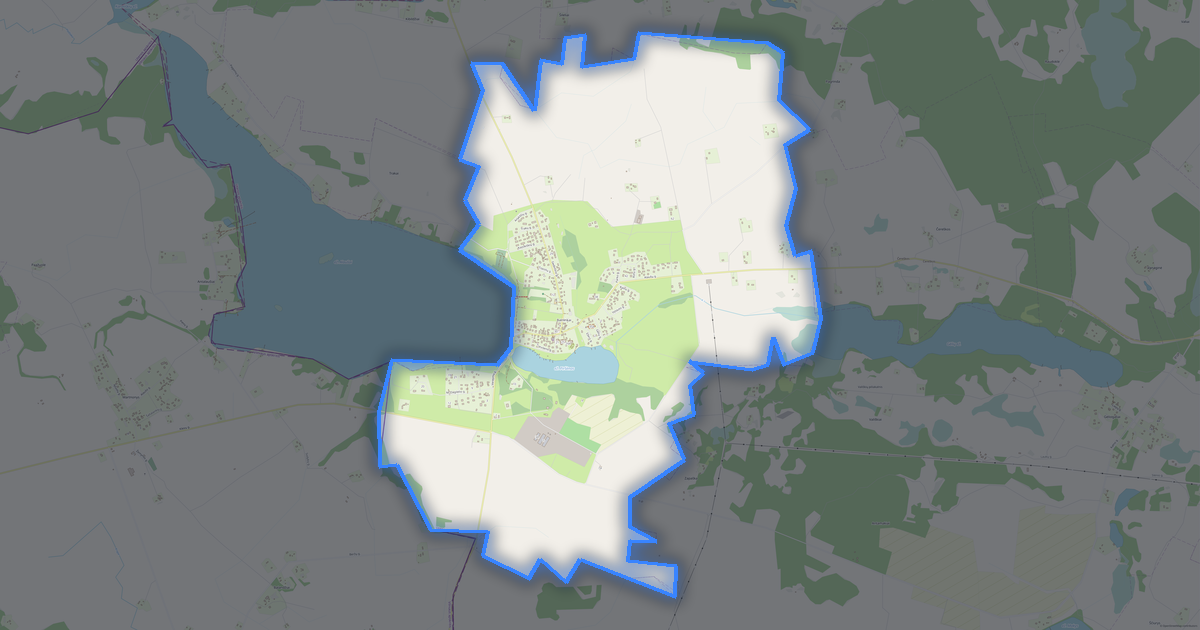
Map of Utena in G-code format
Peta yang dibangun dari data OpenStreetMap, siap diunduh
Sesuaikan peta untuk Anda
Buka area tempat ini di konstruktor dan sesuaikan semuanya dengan kebutuhan Anda
Buka di konstruktor →Informasi peta
Apa isi peta ini secara default
Beginilah peta dibangun «apa adanya» — setiap pengaturan dapat diubah di konstruktor.
.gcode
Tentang G-code
Peta Utena dalam format G-code — ekspor data OpenStreetMap nyata untuk area yang dipilih.
G-code is a CNC and laser engraver control language. Maps are converted to toolpaths for laser cutting or engraving.
Lapisan apa saja yang ada di file
File ini untuk area yang dipilih berisi:
- Jalan
- Bangunan
- Air
- Penghijauan
- Titik menarik
Sistem koordinat
WGS 84 (EPSG:4326), dapat dipilih di wizard
Kompatibilitas
Satuan ukuran
Meter (diproyeksikan dalam sistem koordinat yang dipilih)
| Kategori | GIS |
| Ekstensi file | .gcode |
| Tingkat | Gratis |
What's in the G-code map of Utena
7,695 buildings (154 residential, 16 commercial, 9 industrial, 5 religious), 237.5 km of roads, 434 points of interest, 23 landmarks.
The area covers 23 km², with about 341 buildings per km².
Mostly service roads 113.3 km, residential streets 67.0 km, unclassified roads 15.1 km.
39.5% of the area is green space.
The map marks 5 parks and 9 water bodies.
Key amenities: schools — 18, pharmacies — 15, supermarkets — 18.
Public transport: 61 bus stops.
Main streets: J. Basanavičiaus g., Santarvės g., K. Ladygos g., Kupiškio g., Palijoniškio g.
Landmarks: „Utenos“ aludarystės pažinimo centras, Tradicinių amatų centras „Svirnas“, Senasis Utenos paštas, Trakto Paryžius-Maskva Pašto stotis, Laisvės kovų muziejus
Cara menggunakan G-code untuk Utena
- Pilih area peta Utena di halaman utama
- Pilih format G-code dan atur opsi ekspor
- Klik «Ekspor» dan tunggu hingga selesai
- Unduh file yang sudah siap dan gunakan di aplikasi Anda