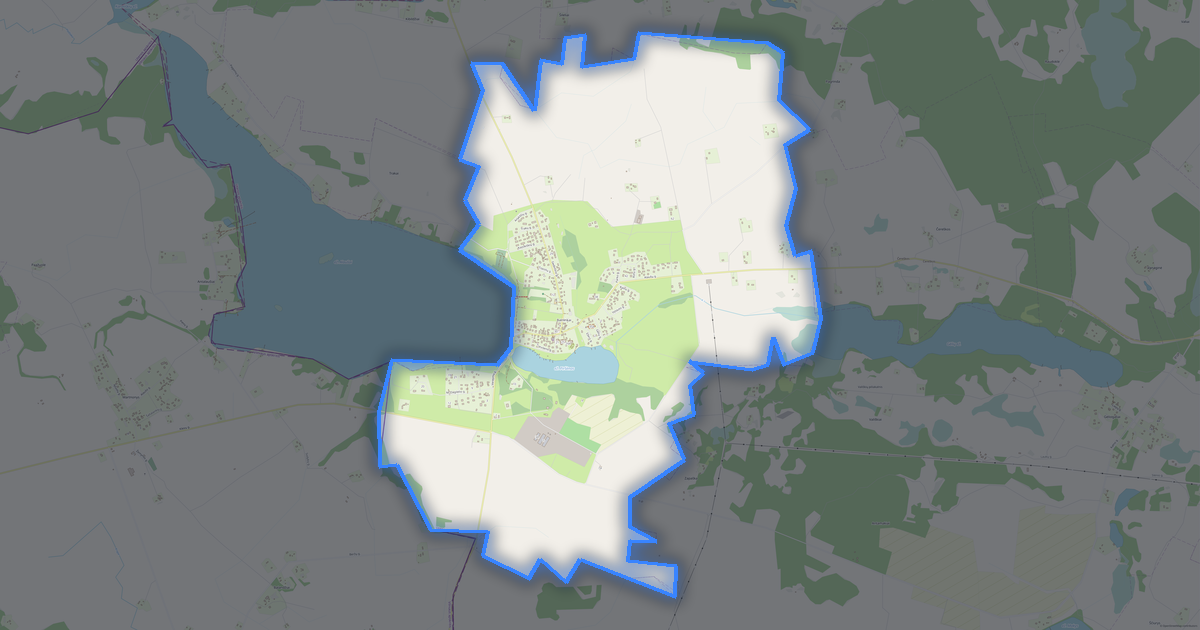
Map of Utena in CSV format
Peta yang dibangun dari data OpenStreetMap, siap diunduh
Sesuaikan peta untuk Anda
Buka area tempat ini di konstruktor dan sesuaikan semuanya dengan kebutuhan Anda
Buka di konstruktor →Informasi peta
Apa isi peta ini secara default
Beginilah peta dibangun «apa adanya» — setiap pengaturan dapat diubah di konstruktor.

Tentang CSV
Peta Utena dalam format CSV — ekspor data OpenStreetMap nyata untuk area yang dipilih.
Text-based tabular format with coordinates in columns. A universal way to export geodata for spreadsheet analysis and data processing scripts.
Lapisan apa saja yang ada di file
File ini untuk area yang dipilih berisi:
- Jalan
- Bangunan
- Air
- Penghijauan
- Titik menarik
Sistem koordinat
WGS 84 (EPSG:4326), dapat dipilih di wizard
Kompatibilitas
Satuan ukuran
Meter (diproyeksikan dalam sistem koordinat yang dipilih)
| Kategori | GIS |
| Ekstensi file | .csv |
| Tingkat | Gratis |
What's in the CSV map of Utena
7,695 buildings (154 residential, 16 commercial, 9 industrial, 5 religious), 237.5 km of roads, 434 points of interest, 23 landmarks.
The area covers 23 km², with about 341 buildings per km².
Mostly service roads 113.3 km, residential streets 67.0 km, unclassified roads 15.1 km.
39.5% of the area is green space.
The map marks 5 parks and 9 water bodies.
Key amenities: schools — 18, pharmacies — 15, supermarkets — 18.
Public transport: 61 bus stops.
Table with 434 points of interest and coordinates. Opens in Excel, Google Sheets, and any GIS.
Main streets: J. Basanavičiaus g., Santarvės g., K. Ladygos g., Kupiškio g., Palijoniškio g.
Landmarks: „Utenos“ aludarystės pažinimo centras, Tradicinių amatų centras „Svirnas“, Senasis Utenos paštas, Trakto Paryžius-Maskva Pašto stotis, Laisvės kovų muziejus
Cara menggunakan CSV untuk Utena
- Pilih area peta Utena di halaman utama
- Pilih format CSV dan atur opsi ekspor
- Klik «Ekspor» dan tunggu hingga selesai
- Unduh file yang sudah siap dan gunakan di aplikasi Anda