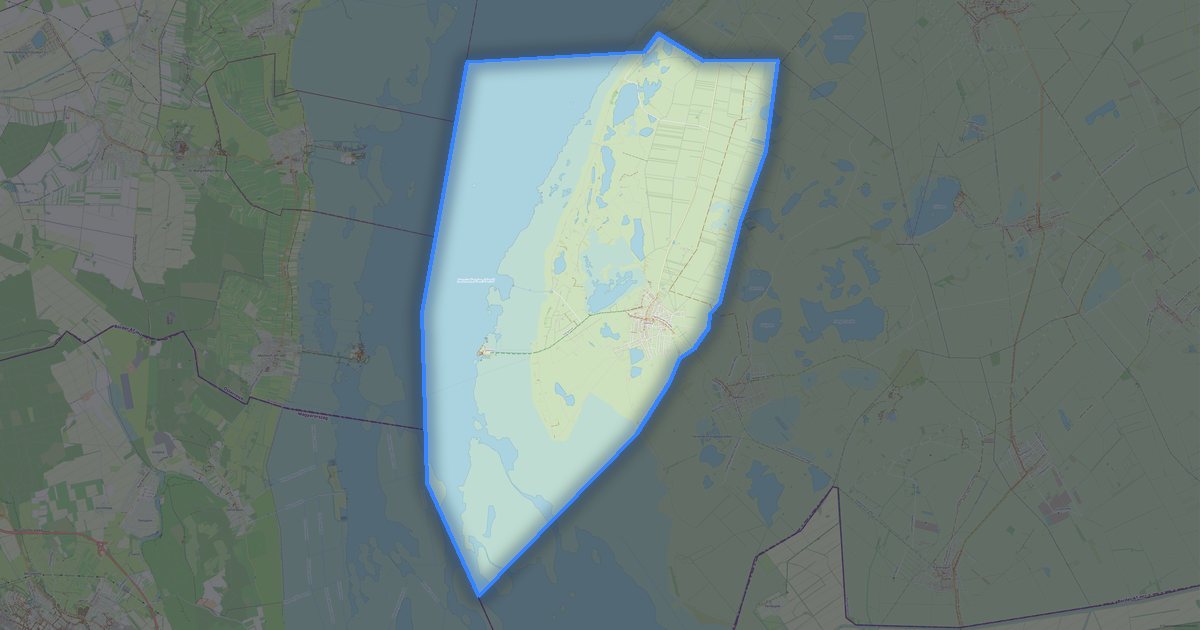
Map of Oslip in G-code format
Peta yang dibangun dari data OpenStreetMap, siap diunduh
Sesuaikan peta untuk Anda
Buka area tempat ini di konstruktor dan sesuaikan semuanya dengan kebutuhan Anda
Buka di konstruktor →Informasi peta
Apa isi peta ini secara default
Beginilah peta dibangun «apa adanya» — setiap pengaturan dapat diubah di konstruktor.
.gcode
Tentang G-code
Peta Oslip dalam format G-code — ekspor data OpenStreetMap nyata untuk area yang dipilih.
G-code is a CNC and laser engraver control language. Maps are converted to toolpaths for laser cutting or engraving.
Lapisan apa saja yang ada di file
File ini untuk area yang dipilih berisi:
- Jalan
- Bangunan
- Air
- Penghijauan
- Titik menarik
Sistem koordinat
WGS 84 (EPSG:4326), dapat dipilih di wizard
Kompatibilitas
Satuan ukuran
Meter (diproyeksikan dalam sistem koordinat yang dipilih)
| Kategori | GIS |
| Ekstensi file | .gcode |
| Tingkat | Gratis |
What's in the G-code map of Oslip
1,072 buildings (39 residential, 5 commercial, 1 industrial, 2 religious), 39.6 km of roads, 87 points of interest, 9 landmarks.
The area covers 18 km², with about 60 buildings per km².
Mostly residential streets 11.8 km, secondary roads 9.6 km, unclassified roads 9.4 km.
100% of the area is green space.
The map marks 3 water bodies.
Key amenities: town halls — 1, banks — 1, restaurants — 3.
Public transport: 8 bus stops.
Main streets: Bundesstraße, Ödenburgerstraße, Eisenstädter Straße, Sachsenweg, Sportplatzgasse
Landmarks: Silberberg, ehemaliges Försterhaus "Stummer Jäger", Lourdeskapelle, Weißes Kreuz, Herz-Jesu-Kapelle
Cara menggunakan G-code untuk Oslip
- Pilih area peta Oslip di halaman utama
- Pilih format G-code dan atur opsi ekspor
- Klik «Ekspor» dan tunggu hingga selesai
- Unduh file yang sudah siap dan gunakan di aplikasi Anda