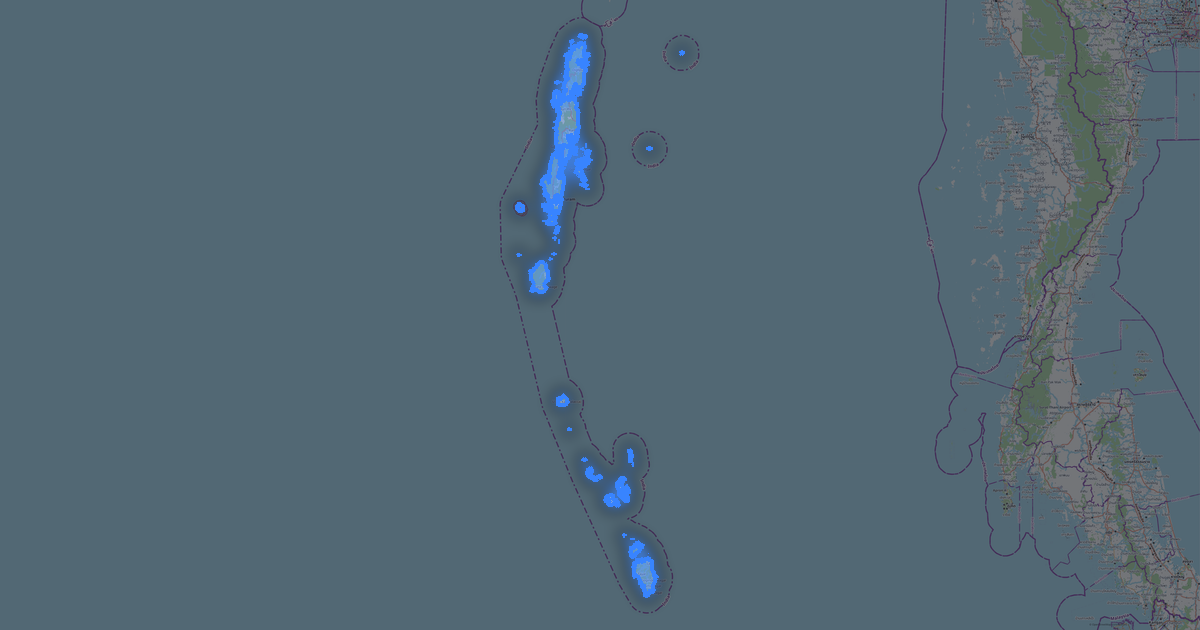
Map of Goa in COPC format
OpenStreetMap ડેટામાંથી બનેલો નકશો, ડાઉનલોડ માટે તૈયાર
નકશો કસ્ટમાઇઝ કરો
આ સ્થળનો વિસ્તાર કન્સ્ટ્રક્ટરમાં ખોલો અને બધું તમારી જરૂરિયાત પ્રમાણે ગોઠવો
કન્સ્ટ્રક્ટરમાં ખોલો →નકશા પાસપોર્ટ
આ નકશામાં મૂળભૂત રીતે શું છે
આ રીતે નકશો "જેવો છે તેવો" બને છે — દરેક સેટિંગ કન્સ્ટ્રક્ટરમાં બદલી શકાય છે.

COPC વિશે
Goa નો નકશો COPC માં — પસંદ કરેલા વિસ્તાર માટે વાસ્તવિક OpenStreetMap ડેટાની નિકાસ.
COPC (Cloud-Optimized Point Cloud) is a cloud-native point cloud format. Like COG for rasters, but for LiDAR data with HTTP Range Requests.
ફાઇલમાં કયા સ્તરો છે
પસંદ કરેલા વિસ્તાર માટે આ ફાઇલમાં સમાવિષ્ટ છે:
- રસ્તાઓ
- ઇમારતો
- પાણી
- હરિયાળી
- રસપ્રદ સ્થળો
નિર્દેશાંક પ્રણાલી
WGS 84 (EPSG:4326), વિઝાર્ડમાં પસંદ કરી શકાય
સુસંગતતા
એકમો
મીટર (પસંદ કરેલી નિર્દેશાંક પ્રણાલીમાં પ્રક્ષેપિત)
| શ્રેણી | GIS |
| ફાઇલ એક્સટેન્શન | .copc.laz |
| સ્તર | Open Beta |
What's in the COPC map of Goa
24,706 buildings (1,205 residential, 411 commercial, 118 industrial, 370 religious), 8,452.0 km of roads, 6,791 points of interest, 15 landmarks.
The area covers 3,632 km², with about 7 buildings per km².
Mostly residential streets 3,707.4 km, unclassified roads 1,327.3 km, tertiary roads 1,148.6 km.
The map marks 5 parks and 10 water bodies.
Key amenities: hospitals — 134, clinics — 189, pharmacies — 154.
Public transport: 360 bus stops, 20 rail stations.
Main streets: Betim - Pomburpa - Aldona MDR, Hathkhamba-Goa Road, Betim Veren Saligao Road, St. Joquim Road, Mapusa-Duler-Camurlim Road
Landmarks: Ancestral Goa, Ashvek Vintage world- Car Museum, Big Foot Cross Museum, Fernandes Heritage Home, Goa Chitra museum
Goa માટે COPC કેવી રીતે વાપરવું
- મુખ્ય પૃષ્ઠ પર Goa નકશા વિસ્તાર પસંદ કરો
- COPC ફોર્મેટ પસંદ કરો અને નિકાસ સેટિંગ્સ ગોઠવો
- નિકાસ પર ક્લિક કરો અને પ્રક્રિયાની રાહ જુઓ
- ફાઇલ ડાઉનલોડ કરો અને તમારી એપ્લિકેશનમાં વાપરો