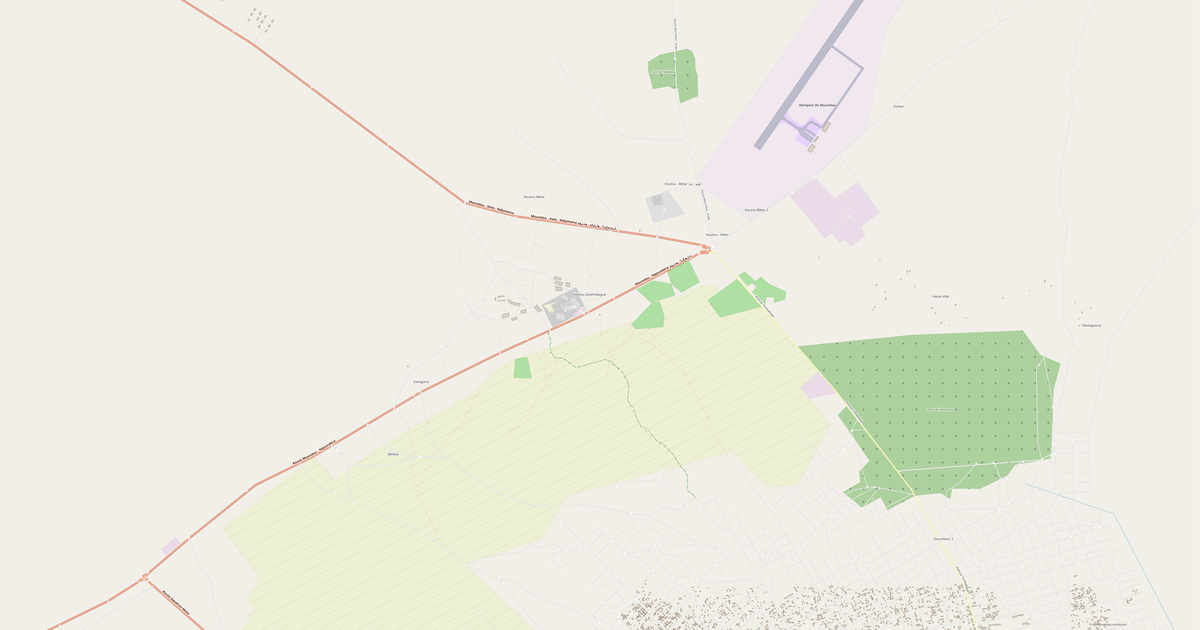
Map of Sodinga in GeoJSON format
A map built from OpenStreetMap data, ready to download
Customize the map
Open this place's area in the constructor and adjust everything to your needs
Open in constructor →Map passport
What this map contains by default
This is how the map is built as-is — every setting can be changed in the constructor.

About GeoJSON
Map of Sodinga in GeoJSON: 19 km of roads — in the WGS 84 coordinate system, units are meters.
Which layers are in the file
This file for the selected area contains:
- Roads
- Water
Geometry by layer
- Roads — lines (LineString) with OpenStreetMap tags
- Water — waterbody polygons and watercourse lines with tags
What the file carries
The GeoJSON file for Sodinga: the whole map comes as a single file, the file is plain text and opens in any editor, all features lie in one collection, and the source layer name stays in the _layer field, OpenStreetMap tags are kept as feature attributes.
File size
The expected size of the GeoJSON file for Sodinga is about 882 KB; the exact size depends on the chosen layers and area.
Coordinate systems
WGS 84 (EPSG:4326), selectable in the wizard
Compatibility
Units
Meters (projected in the chosen coordinate system)
| Category | GIS |
| File extension | .geojson |
| Tier | Open Beta |
What's in the GeoJSON map of Sodinga
19.0 km of roads.
The area covers 2.0 km².
Mostly trunk roads 19.0 km.
The map marks 3 water bodies.
How to use GeoJSON for Sodinga
- Select the Sodinga area on the map
- Export to GeoJSON
- Load into QGIS, Mapbox Studio, or kepler.gl
- Use for analysis, filtering, and visualization
Programs that open GeoJSON
FAQ: GeoJSON for Sodinga
How to open GeoJSON?
GeoJSON opens in QGIS, geojson.io, Mapbox Studio, kepler.gl, or any text editor — it's just JSON.
Is GeoJSON suitable for large areas?
For large areas, GeoPackage or FlatGeobuf is better — they're more compact and load faster.