
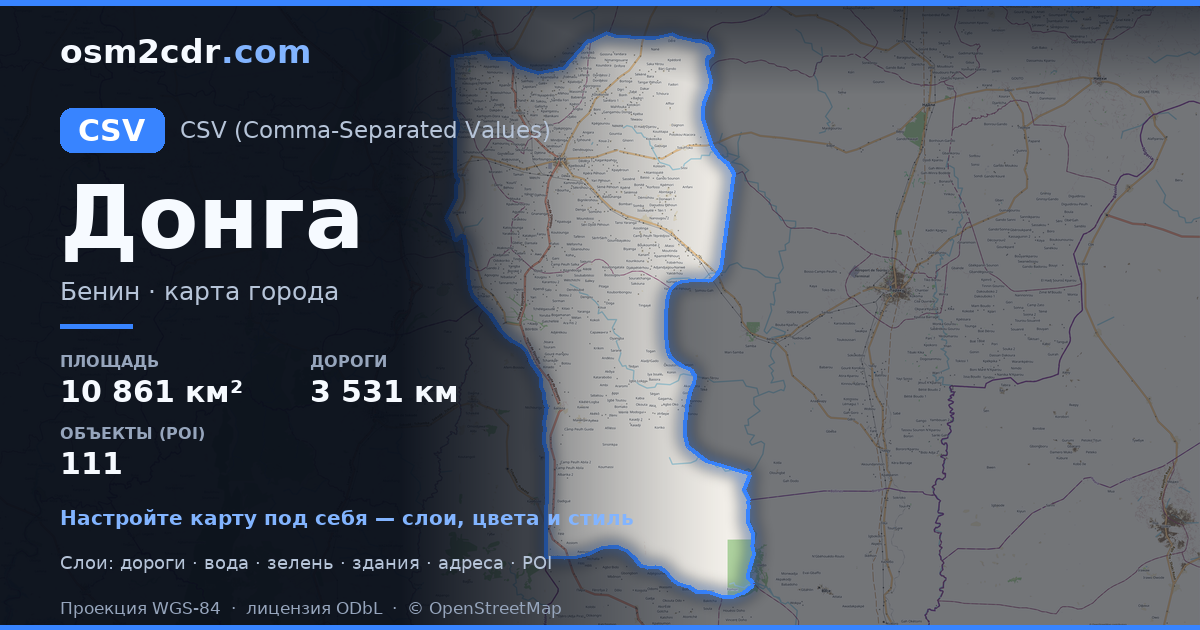
Karte von Donga im CSV-Format
Karte aus OpenStreetMap-Daten, bereit zum Herunterladen
Karte anpassen
Bereich dieses Ortes im Konstruktor offnen und alles anpassen
Im Konstruktor offnen →Karten-Steckbrief
Was diese Karte standardmäßig enthält
So wird die Karte „wie sie ist“ zusammengestellt — jeder Parameter lässt sich im Konstruktor ändern.
Über CSV
Karte von Donga im Format CSV — ein Export echter OpenStreetMap-Daten für den gewählten Bereich.
Text-based tabular format with coordinates in columns. A universal way to export geodata for spreadsheet analysis and data processing scripts.
Welche Ebenen die Datei enthält
Diese Datei enthält für den gewählten Bereich:
- Straßen
- Gebäude
- Wasser
- Grün
- Points of Interest
Koordinatensysteme
WGS 84 (EPSG:4326), im Assistenten wahlbar
Kompatibilität
Maßeinheiten
Meter (projiziert im gewählten Koordinatensystem)
| Kategorie | GIS |
| Dateierweiterung | .csv |
| Tarif | Free |
What's in the CSV map of Donga
42,957 buildings (335 residential, 3 commercial, 23 industrial, 3 religious), 3,531.3 km of roads, 111 points of interest, 15 landmarks.
Mostly unclassified roads 1,764.8 km, residential streets 675.3 km, tertiary roads 362.7 km.
0.9% of the area is green space.
Key amenities: schools — 19, pharmacies — 4, marketplaces — 7.
Table with 111 points of interest and coordinates. Opens in Excel, Google Sheets, and any GIS.
Main streets: Route de Tchamba, Rue Agoungoulou, Tchamba - Prékété, Rue FOMOTOU, Rue de la Mairie
Landmarks: Palais royal de Djougou, GʊGʊ, GʊGʊ, GʊGʊ, GʊGʊ
So verwenden Sie CSV für Donga
- Wählen Sie den Kartenbereich von Donga auf der Hauptseite aus
- Wählen Sie das Format CSV und konfigurieren Sie die Exporteinstellungen
- Klicken Sie auf „Exportieren“ und warten Sie auf den Abschluss
- Laden Sie die fertige Datei herunter und verwenden Sie sie im gewünschten Programm


