Mappa OSM: ottieni STL invece di convertire Shapefile → STL
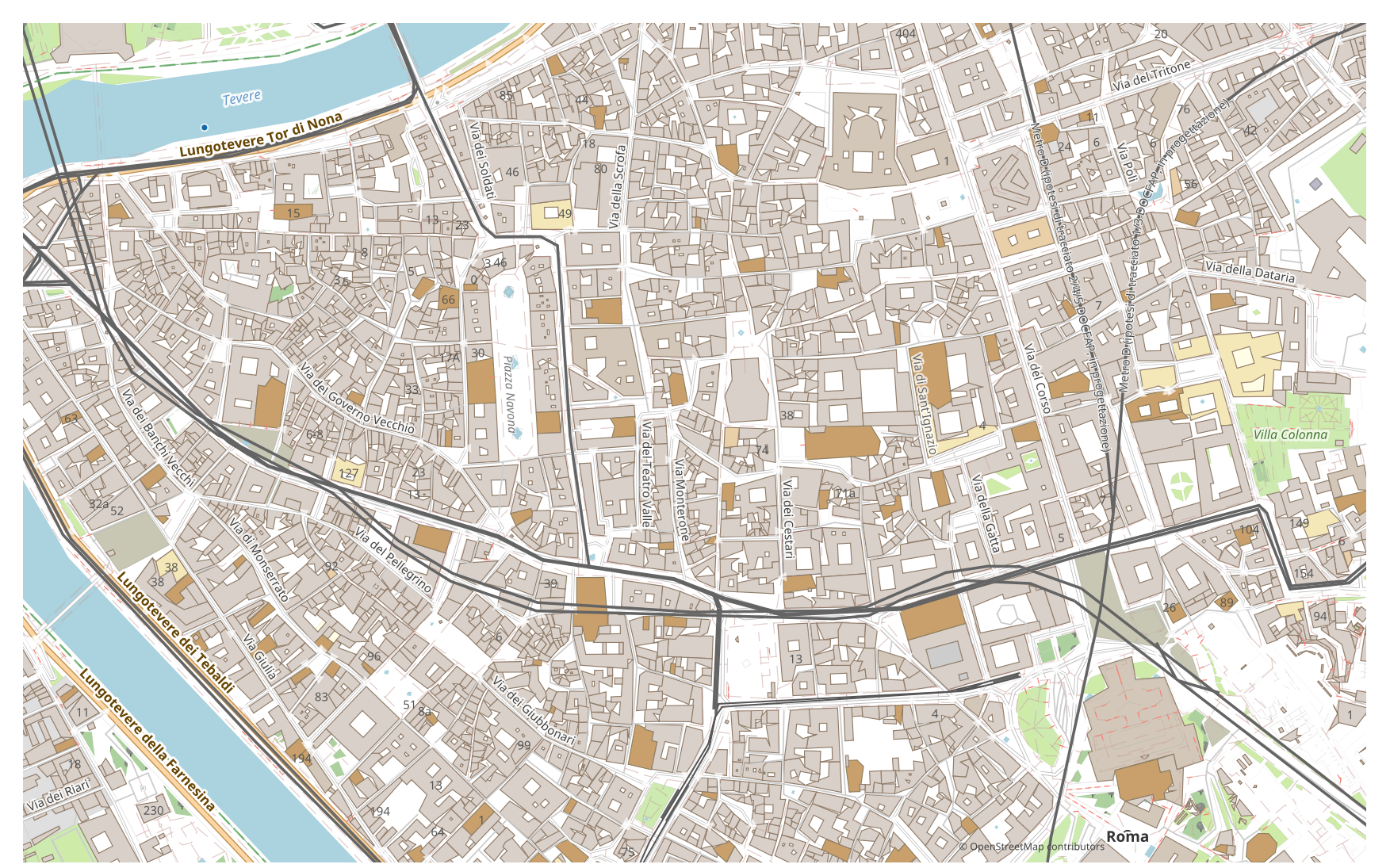
Vuoi trasformare una mappa da Shapefile in STL? Se i tuoi dati provengono da OpenStreetMap, non ti serve un file Shapefile intermedio: osm2cdr costruisce la mappa direttamente dalla fonte OSM e ti consegna un STL pronto. È più veloce e più preciso della catena "scarica Shapefile → carica su un convertitore → ottieni STL": scegli un'area sulla mappa, selezioni il formato STL e scarichi il risultato con dati OSM aggiornati e layer per edifici, strade, acqua e feature.
In che cosa Shapefile differisce da STL
| Formato | Estensione | Tipo | Scopo |
|---|---|---|---|
| Shapefile | .shp | GIS | ArcGIS, QGIS, spatial analysis, cartography |
| STL | .stl | 3D | 3D printing city models, prototyping, architectural mockups, souvenir miniatures |
Come ottenere STL su osm2cdr
- 1Seleziona un'area sulla mappa nella pagina principale di osm2cdr
- 2Scegli il formato STL e, se necessario, uno stile e un CRS
- 3Fai clic su Esporta e scarica il file STL pronto
Proprietà del formato STL
| Estensione | .stl |
| Tipo | 3D |
| Scopo | 3D printing city models, prototyping, architectural mockups, souvenir miniatures |
Quando ti serve STL
Il formato STL è comodo quando devi aprire il risultato in un programma dedicato e continuare a lavorare con la mappa: modificarla, stamparla, analizzarla o integrarla in un progetto. osm2cdr fornisce STL suddiviso in layer con dati OpenStreetMap aggiornati, così il file è pronto all'uso subito dopo il download.
Cosa cambia passando da Shapefile a STL
Passando da Shapefile a STL, le impronte 2D degli edifici vengono estruse in volumi in base all'altezza o al numero di piani, mentre gli oggetti non areali (linee e punti) vengono scartati. Il risultato è destinato alla stampa 3D e alla visualizzazione. osm2cdr prende le impronte degli edifici da OpenStreetMap e costruisce STL direttamente, senza alcun file Shapefile intermedio.
Se hai un tuo file Shapefile (non da OSM)
We do not convert third-party Shapefile files into STL: this output is closed for uploads. The Shapefile file itself is accepted, though — Shapefile → DXF, KML or GeoJSON are available through the upload form on those pair pages. For STL the third-party route remains: GDAL/ogr2ogr or QGIS — open the Shapefile and save the layer as STL.
FAQ: Shapefile → STL
Posso caricare il mio file Shapefile?
Non ancora: al momento non supportiamo il caricamento di file Shapefile, quindi converti il tuo file in STL con ogr2ogr o QGIS. E se i tuoi dati provengono da OpenStreetMap, non ti serve affatto un file — osm2cdr esporta la mappa direttamente in STL.
È gratuito?
Sì, esportare una mappa di OpenStreetMap in STL su osm2cdr è gratuito. Seleziona un'area, il formato STL e scarica il risultato.
Quali programmi aprono STL?
Il formato STL si apre in programmi dedicati alla sua categoria. Consulta la pagina del formato STL per l'elenco completo e i dettagli.
Perché è meglio di un convertitore online Shapefile → STL?
Un convertitore online limita la qualità del risultato alla qualità del file Shapefile di partenza. osm2cdr prende i dati dalla fonte OpenStreetMap e costruisce STL con i layer corretti direttamente — senza perdite su un file Shapefile intermedio.