OSM-karta: få EPS istället för att konvertera GeoPackage → EPS
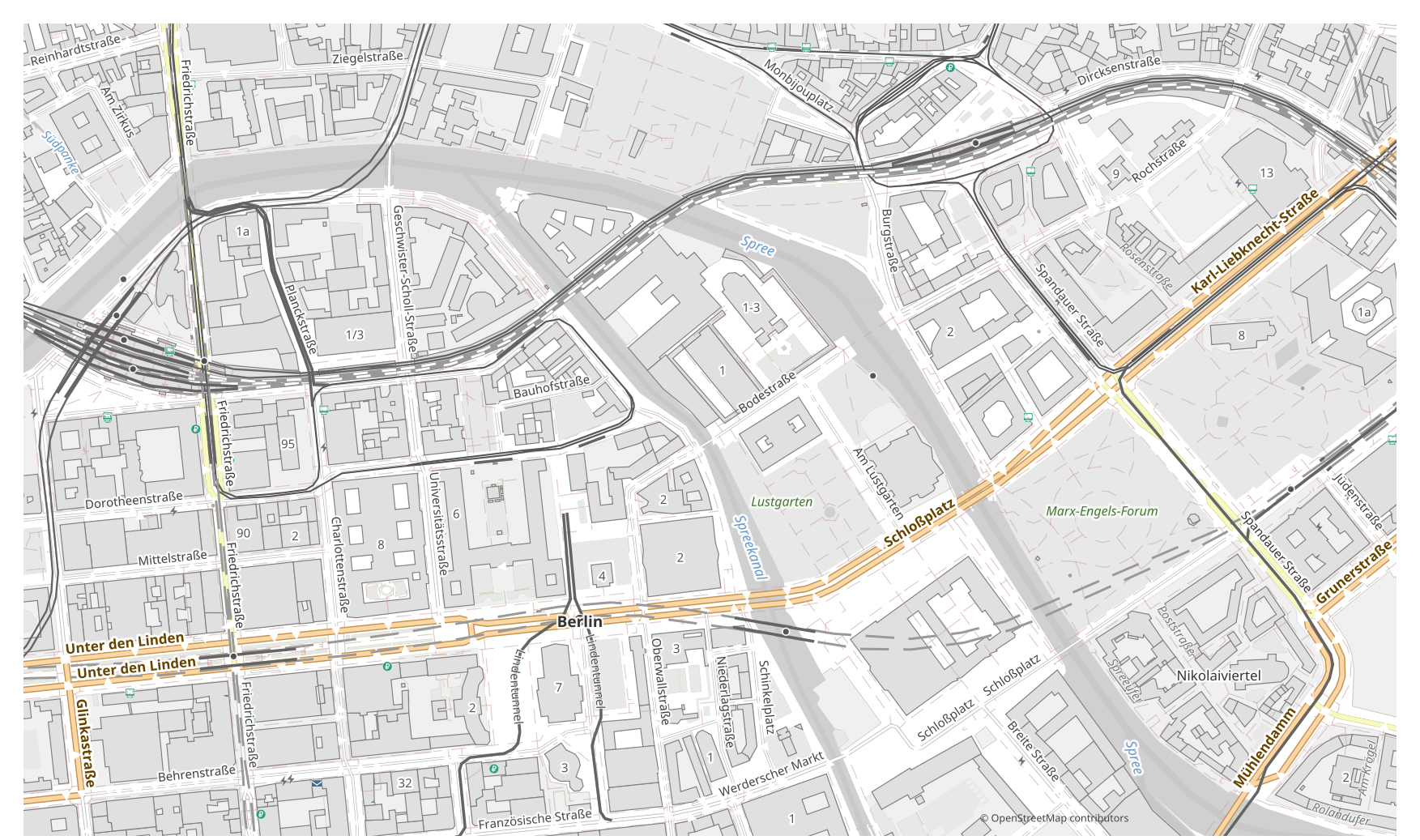
Vill du omvandla en karta från GeoPackage till EPS? Om din data kommer från OpenStreetMap behöver du ingen mellanliggande GeoPackage-fil: osm2cdr bygger kartan direkt från OSM-källan och ger dig en färdig EPS. Det är snabbare och mer exakt än kedjan ”ladda ner GeoPackage → ladda upp till en konverterare → få EPS”: du väljer ett område på kartan, väljer formatet EPS och laddar ner resultatet med aktuell OSM-data och lager för byggnader, vägar, vatten och objekt.
Hur GeoPackage skiljer sig från EPS
| Format | Filändelse | Typ | Syfte |
|---|---|---|---|
| GeoPackage | .gpkg | GIS | Mobile GIS, Shapefile replacement, multi-layer data storage, offline maps |
| EPS | .eps | Vector | Commercial printing, layout exchange, magazine and book layout, prepress |
Så får du EPS på osm2cdr
- 1Välj ett område på kartan på osm2cdr:s startsida
- 2Välj formatet EPS och, vid behov, en stil och CRS
- 3Klicka på Exportera och ladda ner den färdiga EPS-filen
Egenskaper för formatet EPS
| Filändelse | .eps |
| Typ | Vector |
| Syfte | Commercial printing, layout exchange, magazine and book layout, prepress |
När du behöver EPS
Formatet EPS är praktiskt när du behöver öppna resultatet i ett dedikerat program och fortsätta arbeta med kartan: redigera, skriva ut, analysera eller bädda in den i ett projekt. osm2cdr levererar EPS uppdelad i lager med aktuell OpenStreetMap-data, så filen är redo att användas direkt efter nedladdning.
Vad som ändras när du går GeoPackage → EPS
När du går GeoPackage → EPS blir data stilsatt vektorgrafik: attribut och tabeller går förlorade, men objekten förblir redigerbara kurvor och lager lämpliga för tryck och design. osm2cdr bygger EPS direkt från OpenStreetMap-geodata, utan någon mellanliggande GeoPackage-fil.
Om du har en egen GeoPackage-fil (inte från OSM)
osm2cdr tar inte emot eller konverterar GeoPackage-filer från tredje part: tjänsten arbetar endast med OpenStreetMap-data. Om du redan har en egen GeoPackage-fil som inte kommer från OSM, konvertera den till EPS med verktyg från tredje part: GDAL/ogr2ogr från kommandoraden eller QGIS — öppna GeoPackage och spara lagret som EPS. Det är gratis och körs lokalt, utan uppladdning till molnet.
Vanliga frågor: GeoPackage → EPS
Kan jag ladda upp min GeoPackage-fil?
Inte än: vi stöder inte uppladdning av GeoPackage-filer för närvarande, så konvertera din fil till EPS med ogr2ogr eller QGIS. Och om din data kommer från OpenStreetMap behöver du ingen fil alls — osm2cdr exporterar kartan direkt till EPS.
Är det gratis?
Ja, att exportera en OpenStreetMap-karta till EPS på osm2cdr är gratis. Välj ett område, formatet EPS och ladda ner resultatet.
Vilka program öppnar EPS?
Formatet EPS öppnas i dedikerade program för sin kategori. Se formatsidan för EPS för den fullständiga listan och detaljerna.
Varför är detta bättre än en GeoPackage → EPS-konverterare online?
En onlinekonverterare begränsar resultatkvaliteten till kvaliteten på käll-GeoPackage-filen. osm2cdr tar data från OpenStreetMap-källan och bygger EPS med korrekta lager direkt — utan förlust på en mellanliggande GeoPackage-fil.