OSM-kaart: kry Shapefile in plaas daarvan om DXF → Shapefile om te skakel
Wil jy 'n kaart van DXF na Shapefile omskakel? As jou data uit OpenStreetMap kom, het jy nie 'n tussentydse DXF-lêer nodig nie: osm2cdr bou die kaart reguit uit die OSM-bron en gee jou 'n gereed Shapefile. Dit is vinniger en akkurater as die ketting "laai DXF af → laai op na 'n omskakelaar → kry Shapefile": jy kies 'n gebied op die kaart, kies die Shapefile-formaat en laai die resultaat af met bygewerkte OSM-data en lae vir geboue, paaie, water en kenmerke.
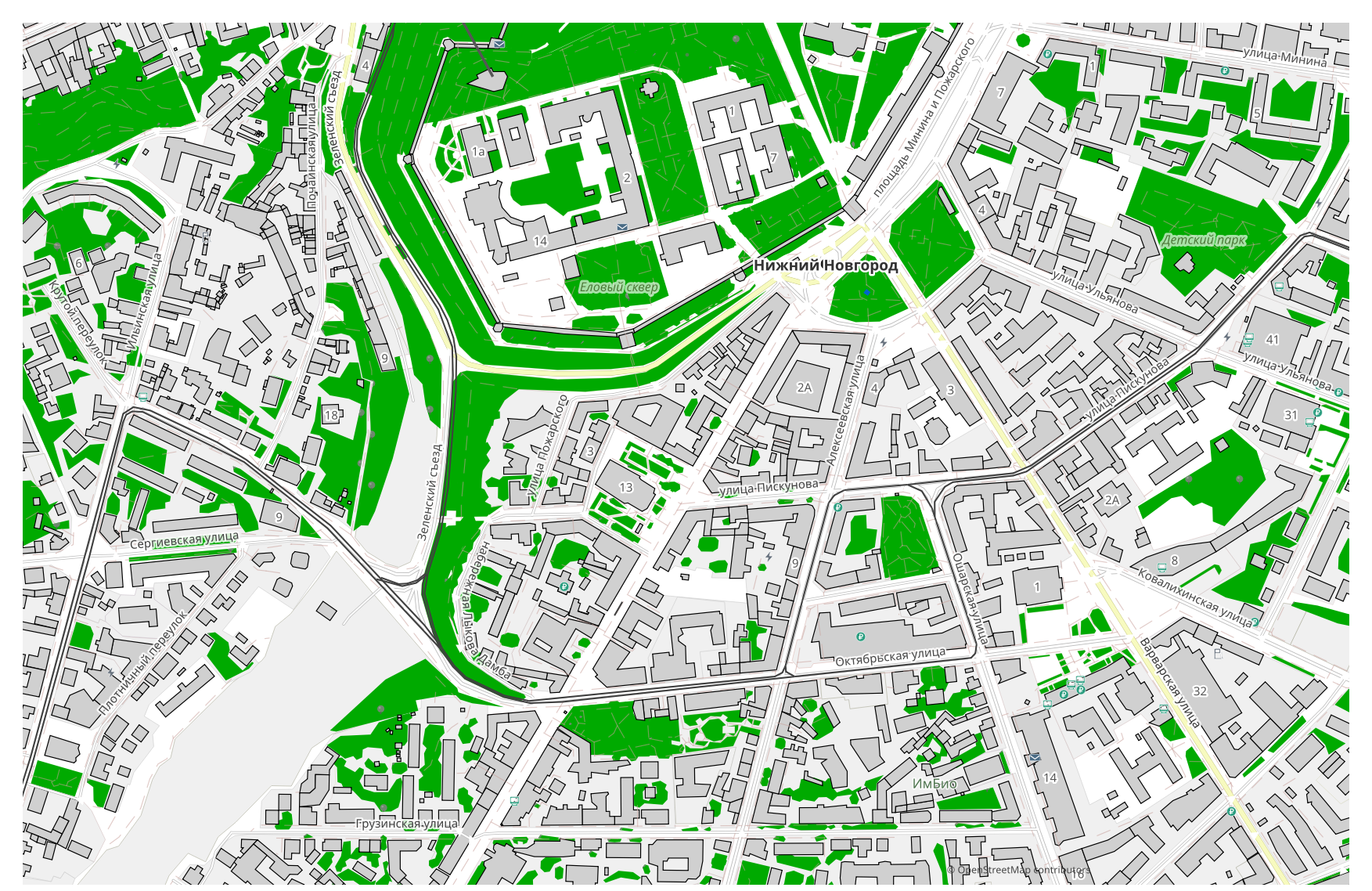
Hoe DXF van Shapefile verskil
| Formaat | Uitbreiding | Tipe | Doel |
|---|---|---|---|
| DXF | .dxf | CAD | Site plans, engineering surveys, importing maps into AutoCAD, land planning |
| Shapefile | .shp | GIS | ArcGIS, QGIS, spatial analysis, cartography |
Hoe om Shapefile op osm2cdr te kry
- 1Kies 'n gebied op die kaart op die osm2cdr-tuisblad
- 2Kies die Shapefile-formaat en, indien nodig, 'n styl en CRS
- 3Klik Voer uit en laai die gereed Shapefile-lêer af
Shapefile-formaat-eienskappe
| Uitbreiding | .shp |
| Tipe | GIS |
| Doel | ArcGIS, QGIS, spatial analysis, cartography |
Wanneer jy Shapefile nodig het
Die Shapefile-formaat is handig wanneer jy die resultaat in 'n toegewyde program moet oopmaak en met die kaart wil aanhou werk: redigeer, druk, ontleed of dit in 'n projek inbed. osm2cdr lewer Shapefile opgedeel in lae met bygewerkte OpenStreetMap-data, sodat die lêer gereed is om te gebruik reg na aflaai.
Wat verander wanneer jy van DXF → Shapefile gaan
Wanneer jy van DXF → Shapefile gaan, word tekeninglae omgesit in kenmerklae. Die DXF-formaat het geen eienskapskema nie, dus word die meetkunde oorgedra en 'n eksplisiete projeksie bygevoeg — GIS kan nie sonder een werk nie. osm2cdr bou Shapefile reguit uit OpenStreetMap-geodata, met gereed eienskappe en 'n koördinaatstelsel, en sonder 'n tussentydse DXF-lêer.
As jy jou eie DXF-lêer het (nie van OSM nie)
osm2cdr aanvaar of skakel nie derdeparty-DXF-lêers om nie: die diens werk slegs met OpenStreetMap-data. As jy reeds jou eie DXF-lêer het wat nie van OSM kom nie, skakel dit na Shapefile om met derdeparty-gereedskap: GDAL/ogr2ogr vanaf die opdraglyn of QGIS — maak die DXF oop en stoor die laag as Shapefile. Dit is gratis en loop plaaslik, sonder wolk-oplaai.
Gereelde vrae: DXF → Shapefile
Kan ek my DXF-lêer oplaai?
Nog nie: ons ondersteun tans nie die oplaai van DXF-lêers nie, dus skakel jou lêer na Shapefile om met ogr2ogr of QGIS. En as jou data uit OpenStreetMap kom, het jy glad nie 'n lêer nodig nie — osm2cdr voer die kaart reguit na Shapefile uit.
Is dit gratis?
Ja, om 'n OpenStreetMap-kaart na Shapefile uit te voer op osm2cdr is gratis. Kies 'n gebied, die Shapefile-formaat en laai die resultaat af.
Watter programme maak Shapefile oop?
Die Shapefile-formaat maak oop in toegewyde programme vir sy kategorie. Sien die Shapefile-formaatbladsy vir die volledige lys en besonderhede.
Waarom is dit beter as 'n aanlyn DXF → Shapefile-omskakelaar?
'n Aanlyn-omskakelaar beperk die resultaatkwaliteit tot die kwaliteit van die bron-DXF-lêer. osm2cdr neem data uit die OpenStreetMap-bron en bou Shapefile met korrekte lae direk — sonder verlies op 'n tussentydse DXF-lêer.